

Visionary Design for Healthcare
The Ask
How can we push our designs? How can we utilize AI more? Make the designs more agentic and help guide the user through the workflow.
This is feedback that we received from different leadership (UX, Product, Devs) and the challenge was to implement the feedback while making sure that we have a ‘human-in-the-loop’ to make critical decisions as they arise.
We don’t want to completely remove humans from the scheduling process. Humans are there to comfort patients when they receive a scary diagnosis, have questions, or just need someone to talk to that has empathy. Healthcare can be scary, and Schedulers or Front Desk users are the front line.
Our users are scheduling appointments every day, hundreds of times a day. We want the experience to be easy to walk through, and the system to do the heavy lifting for the user. You could be a brand new hire and still be able to schedule patients with this simplified and assisted system.
The UX Stance
Our biggest focus was to simplify the system and bring as much information to the user so that they don’t have to go find the information themselves. While working on this redesign, we had a few assumptions that we made with our Product team that we built this design off of.
Our system is connected
- All products that our users need to do their job are integrated into one.Our users wear multiple hats
- A PAS user could be the front desk greeter, scheduler, call center, clinic administrator, and so many more jobs, in one. Our system needs to be able to flex with what they are doing and who they are talking with, on the fly.They system does the hard work for our users
- Instead of our users needing to fact find, and put the puzzle pieces together themselves, we want the system to do that for them.Push the work onto the patient to do in the Patient Portal
- To lessen the workload on our users, we pushed for a better Patient Portal experience (a separate team worked on this). With a well built and user friendly Patient Portal, it brings self-service to the forefront, it pushes the more simple tasks onto the patient to complete on their own time.
Current Healthcare Product


Wireframes and User Flows
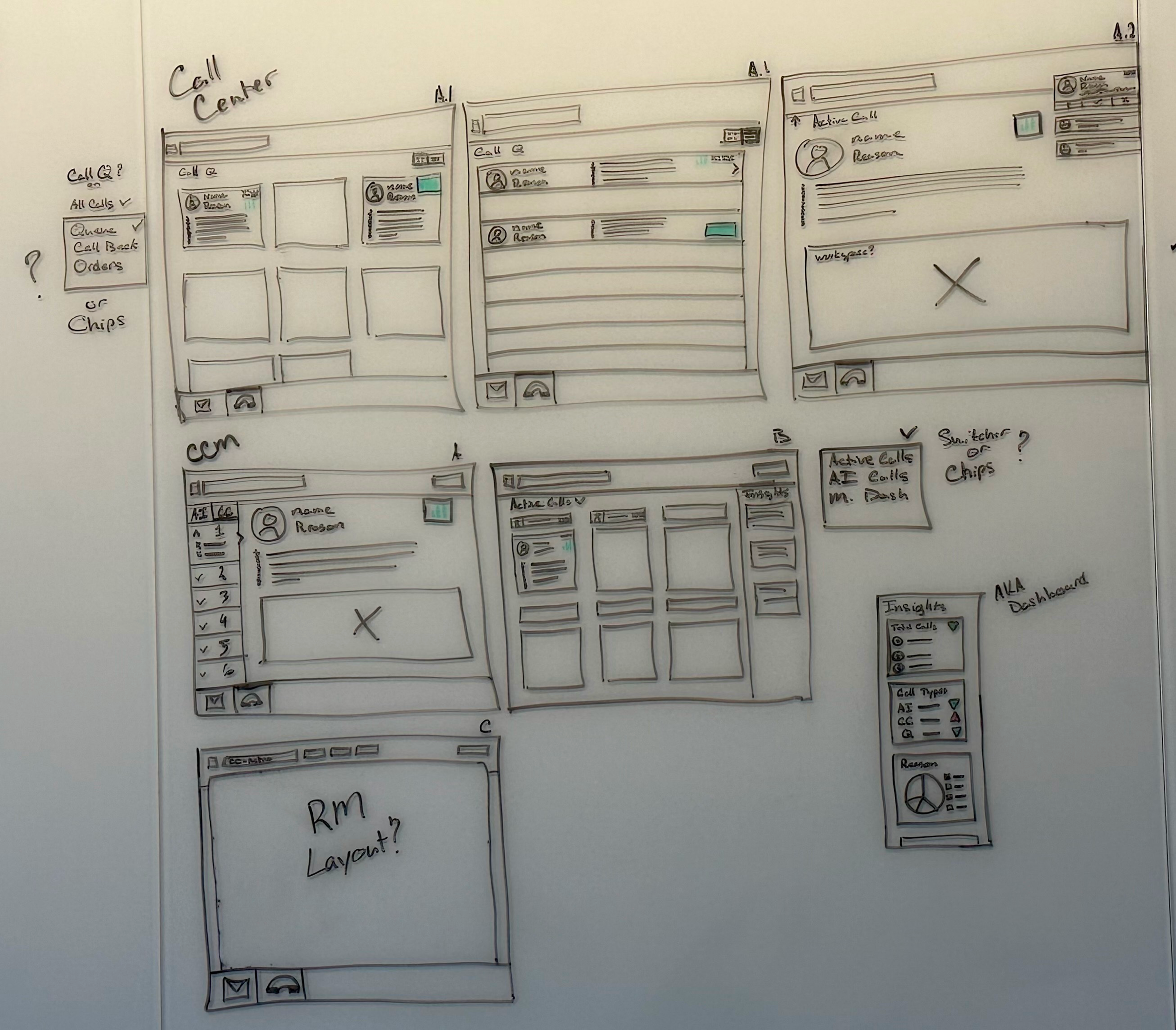
Whiteboard sketches for a call center scheduler
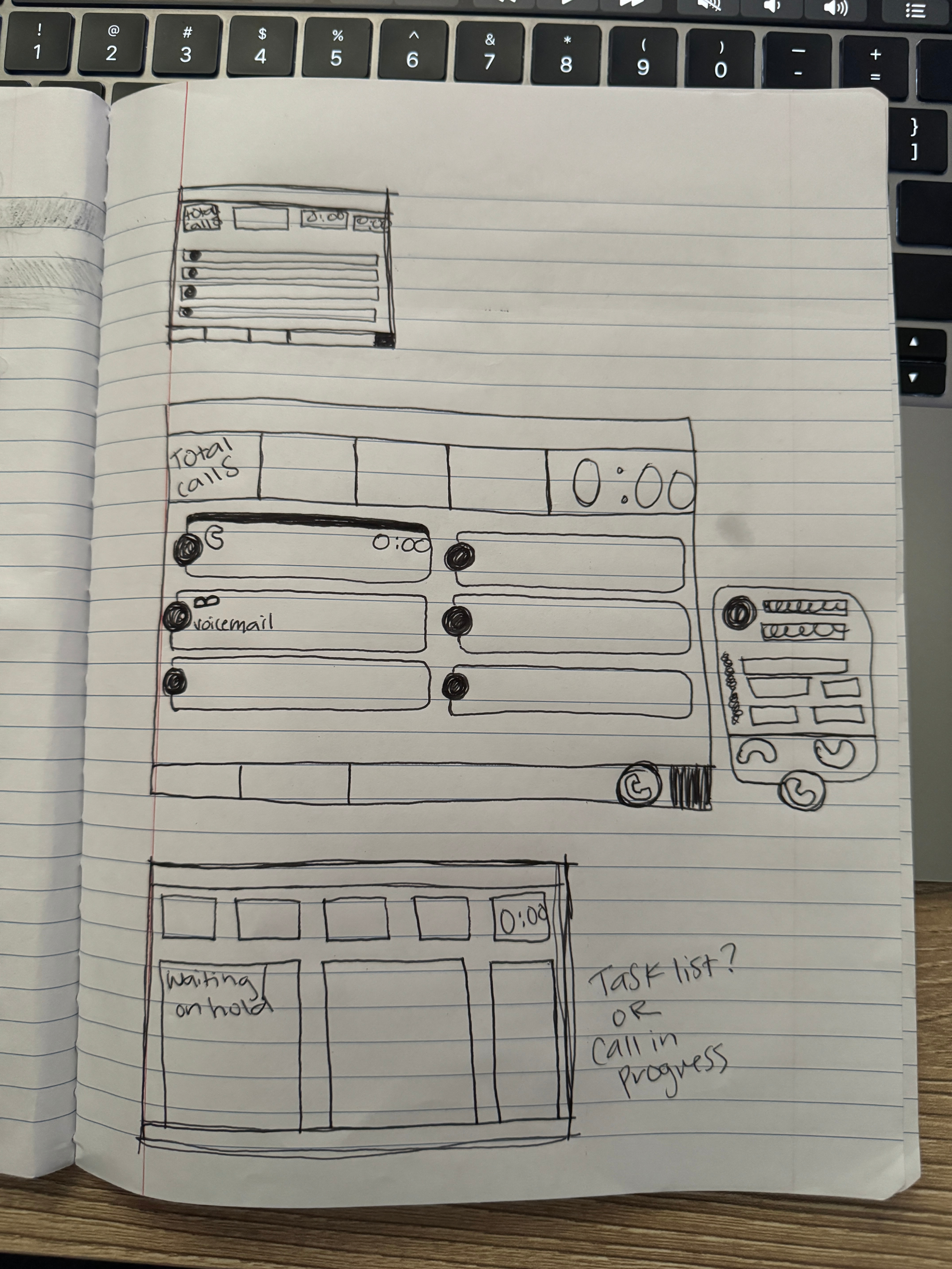
Quick sketches of a dashboard
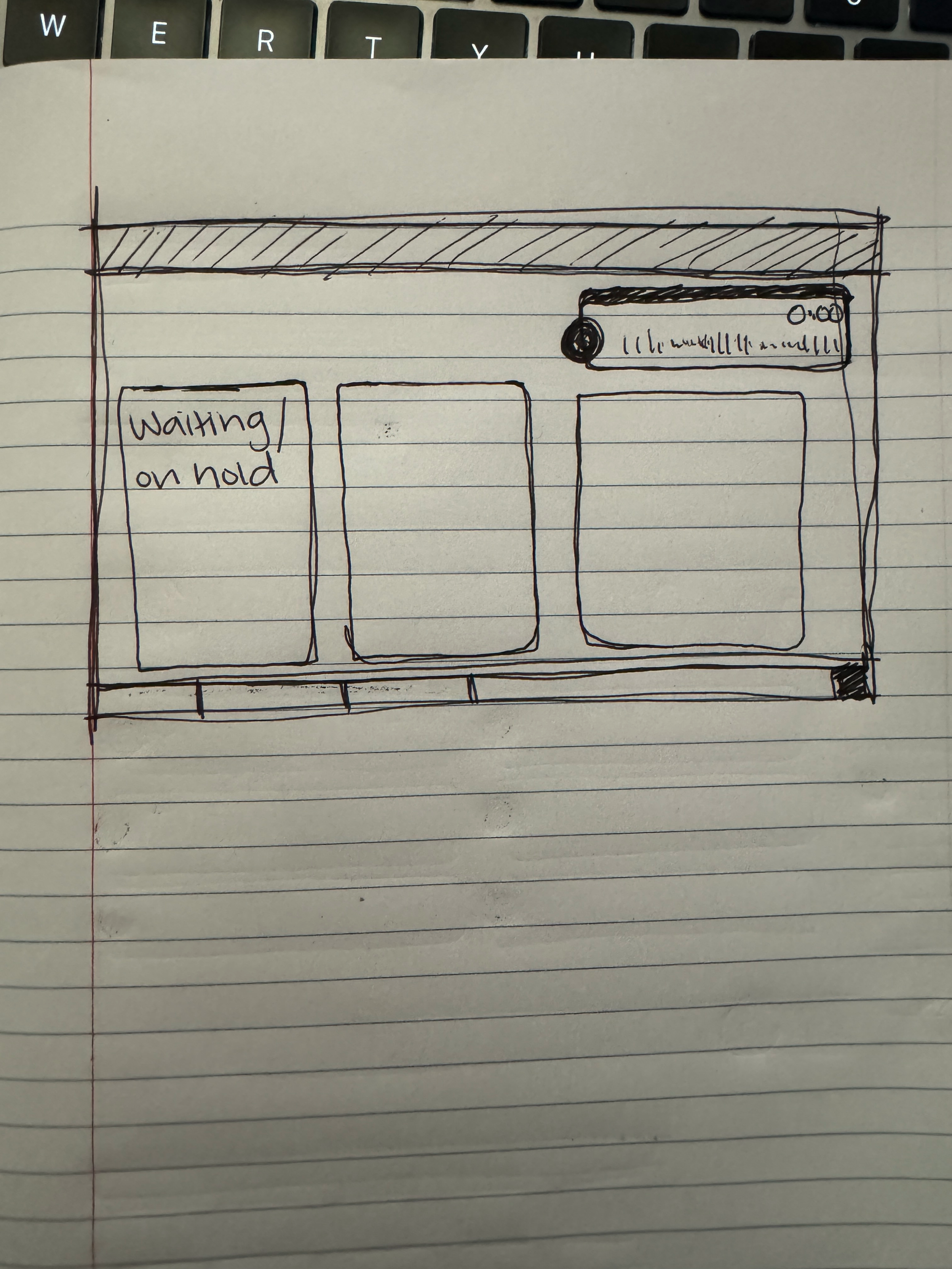
Another sketch of a dashboard
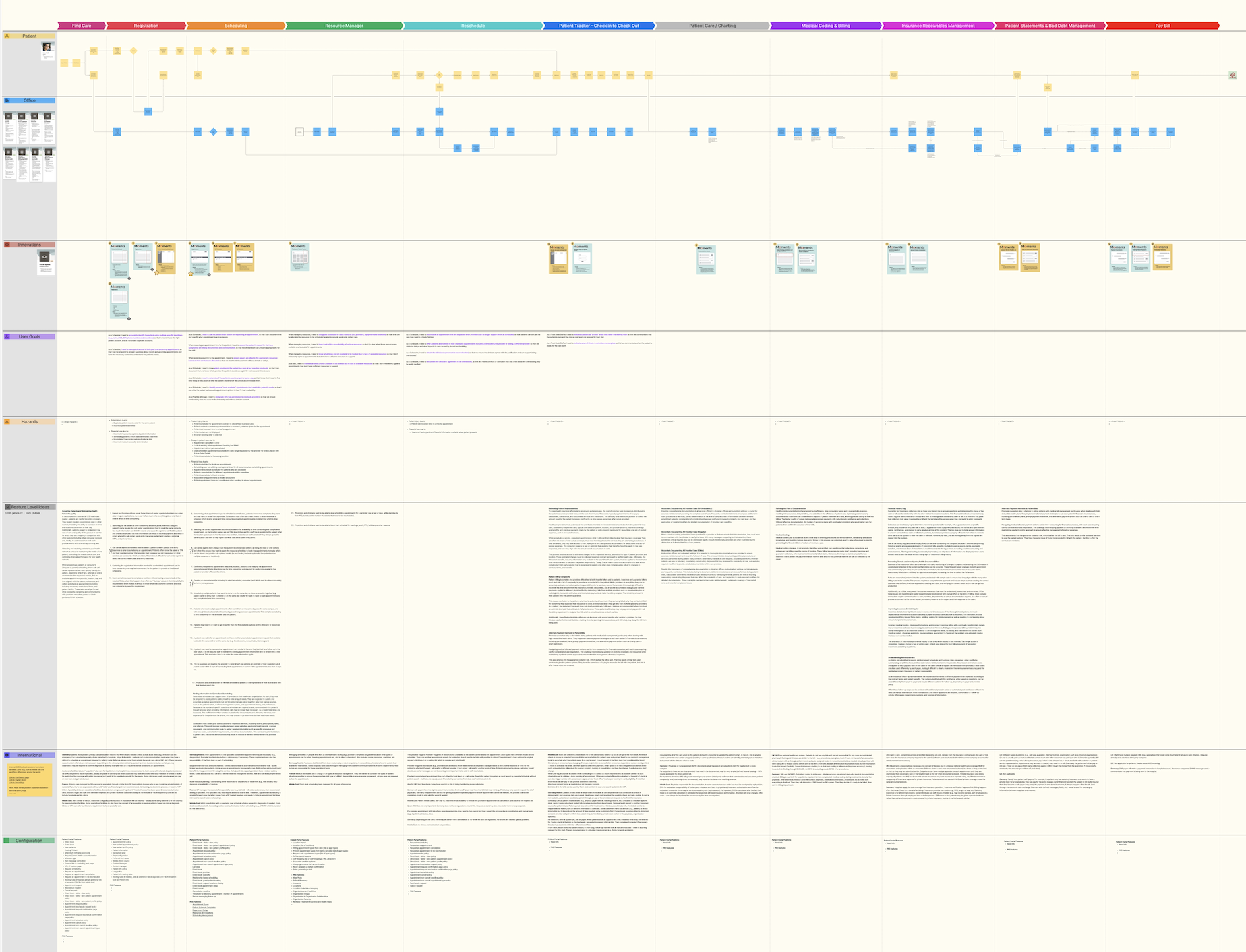
Visionary workflows with pain points, innovations, user goals, and hazards. This was put together with the PAS UX team and UX Researchers
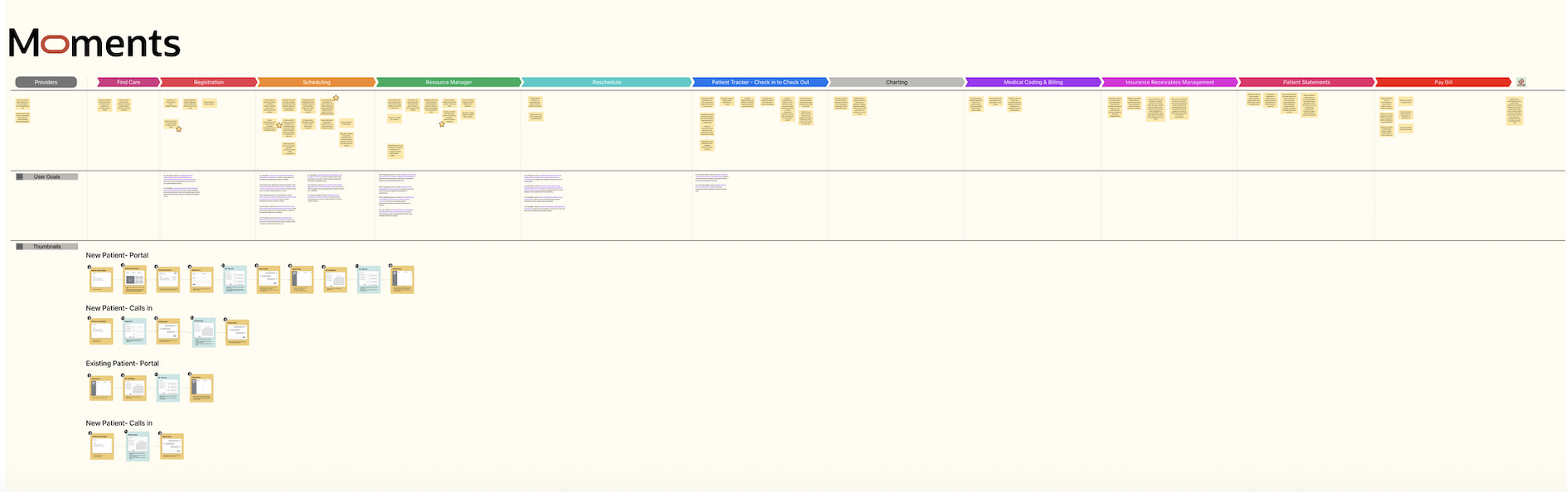
Continuation of PAS workflows and where we could imbed AI innovations into the product
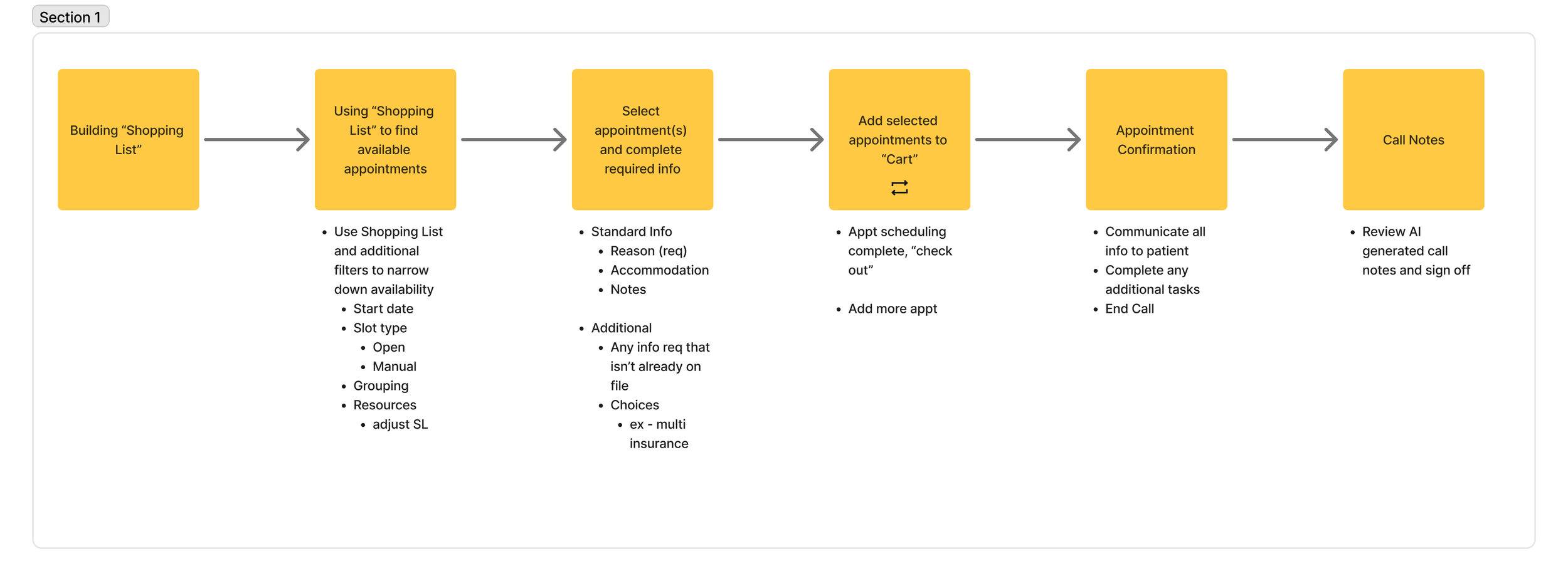
Scheduler workflow
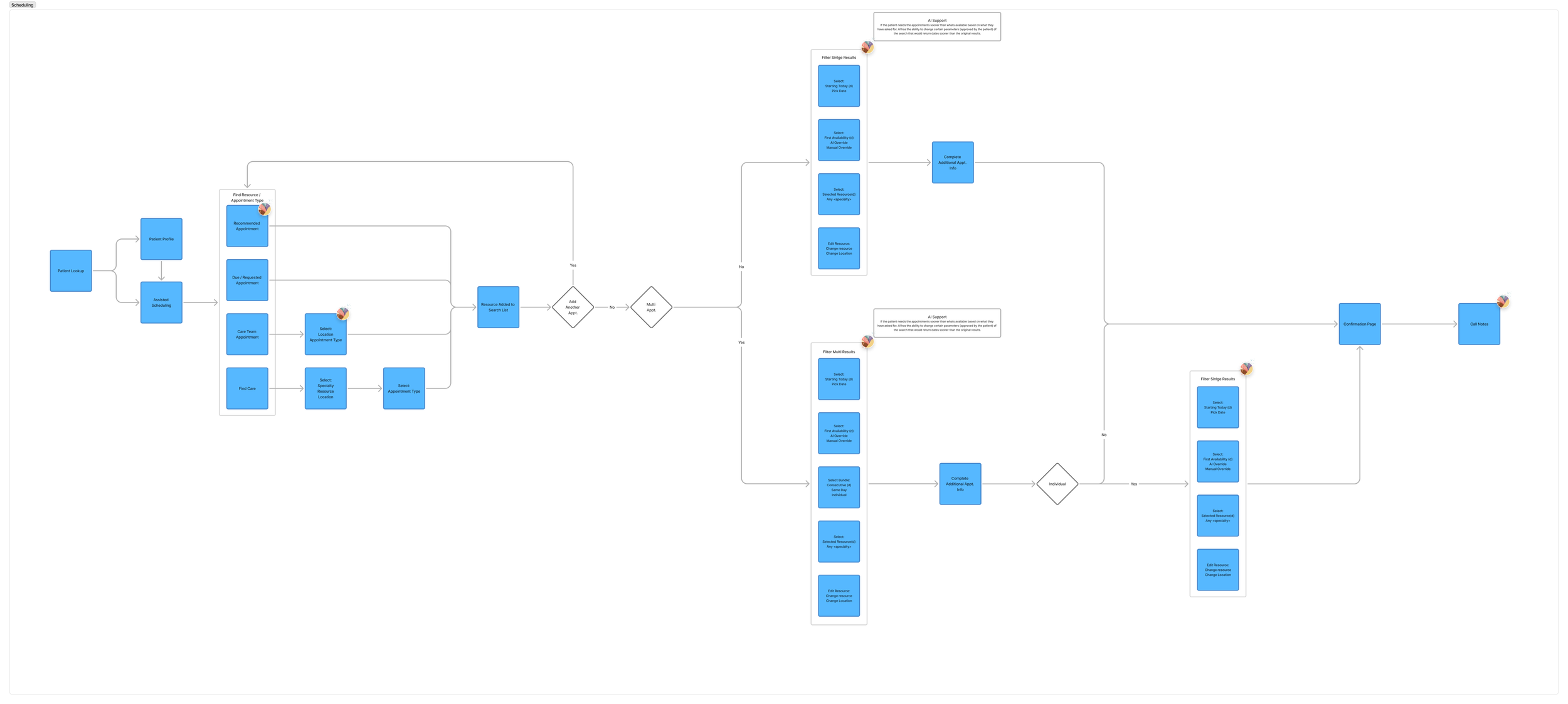
Scheduler workflow / journey mapping
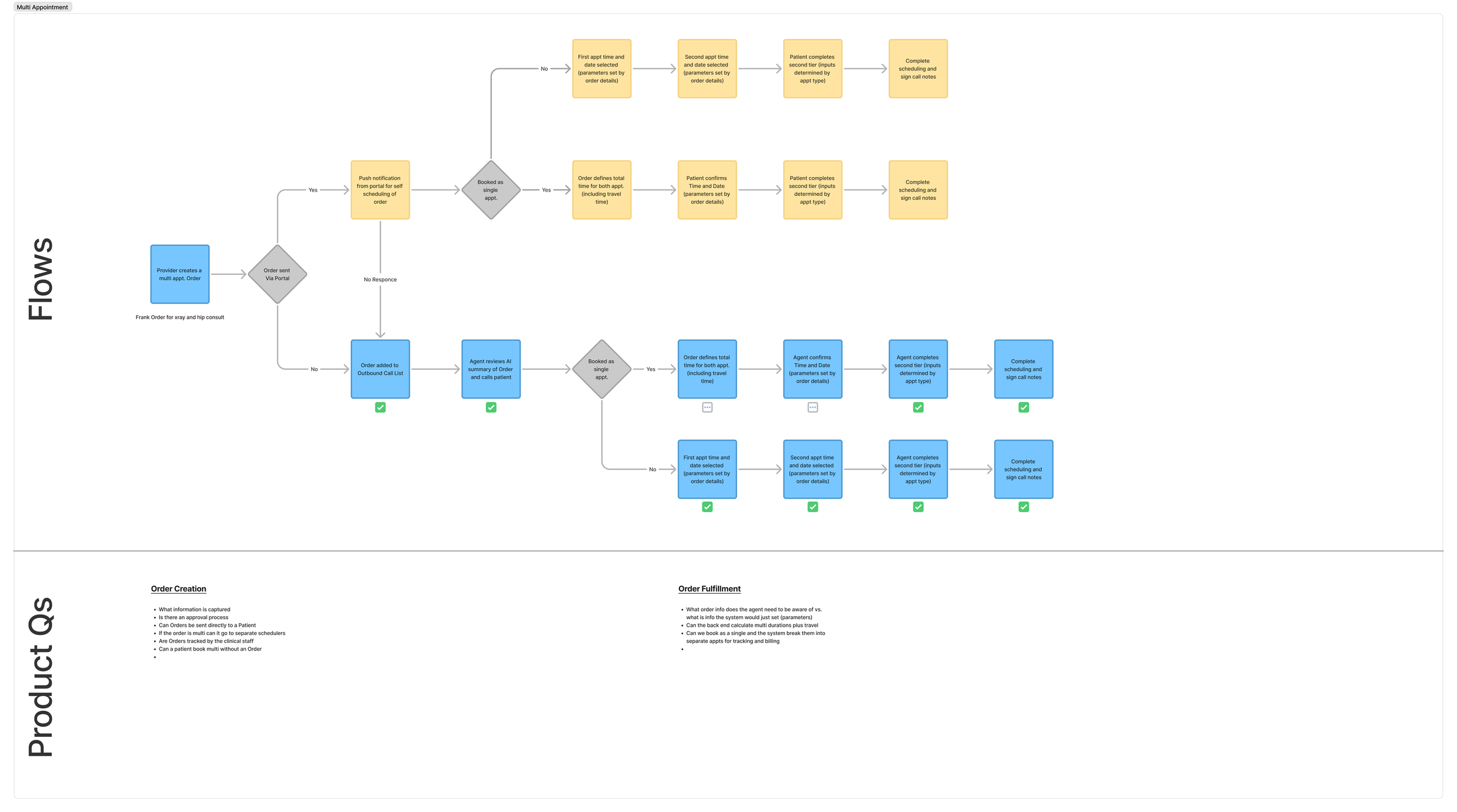
Scheduler workflow / journey mapping
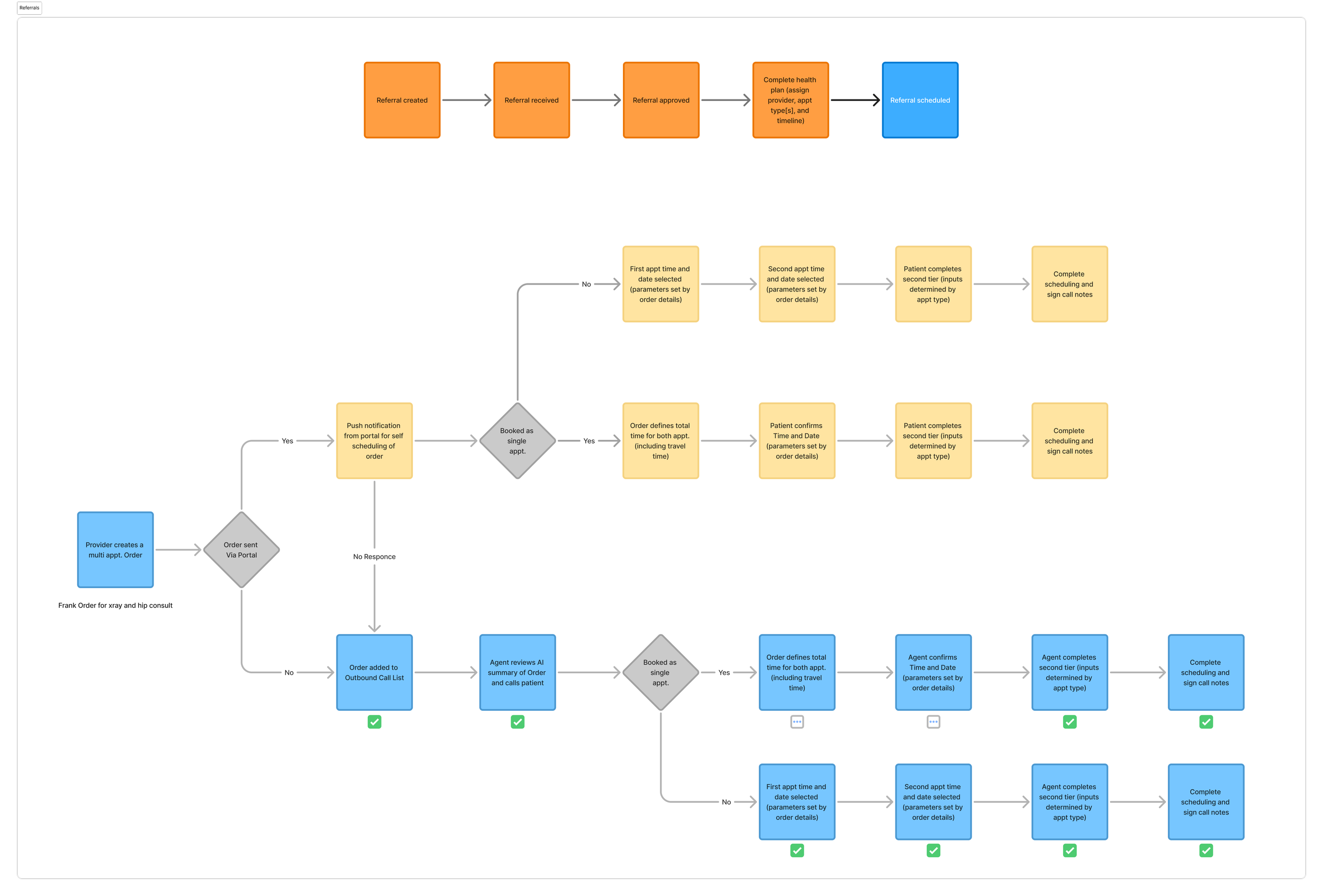
Referral workflow
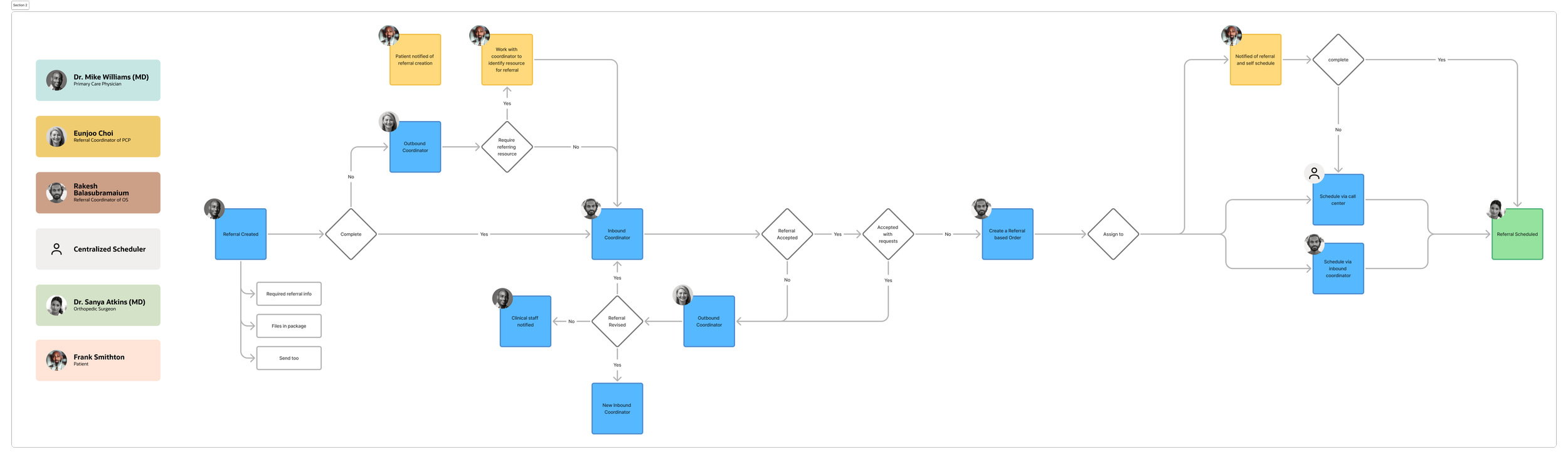
Referral workflow

Wireframes in context of the whole PAS workflow
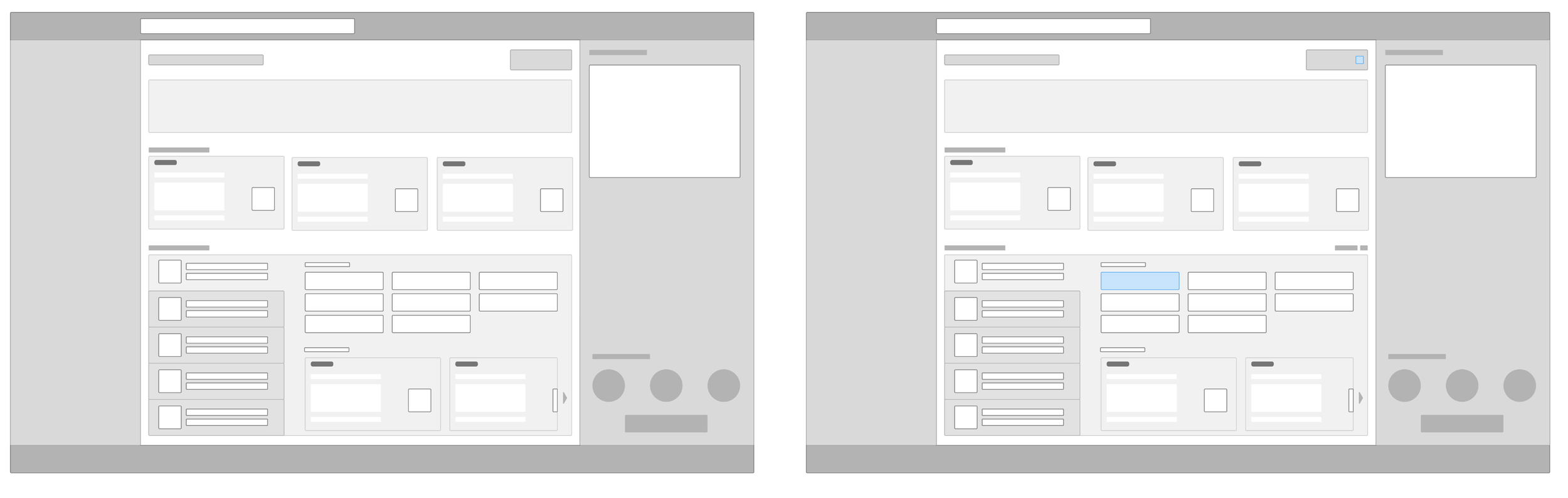
Scheduling wireframes
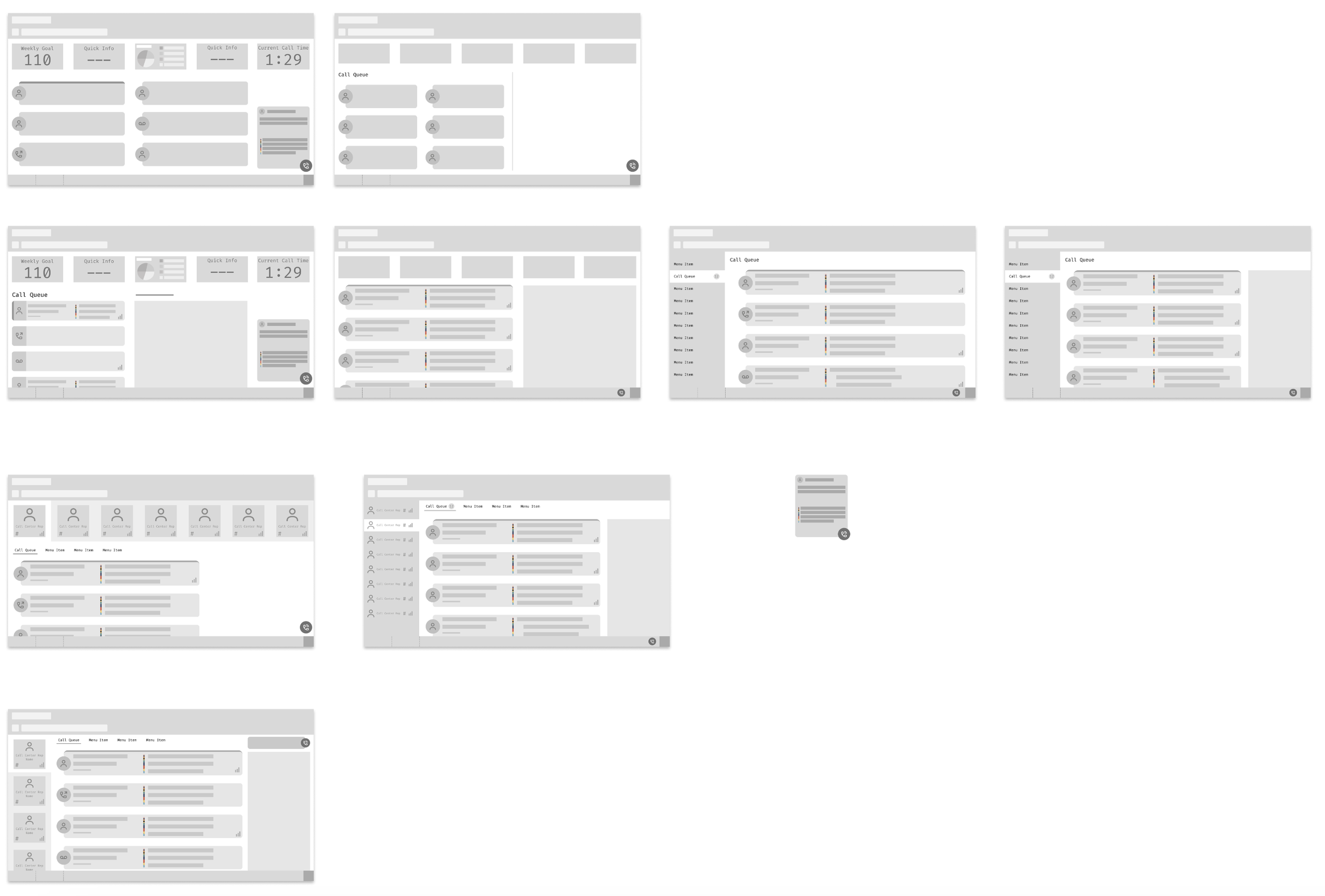
Scheduling wireframes
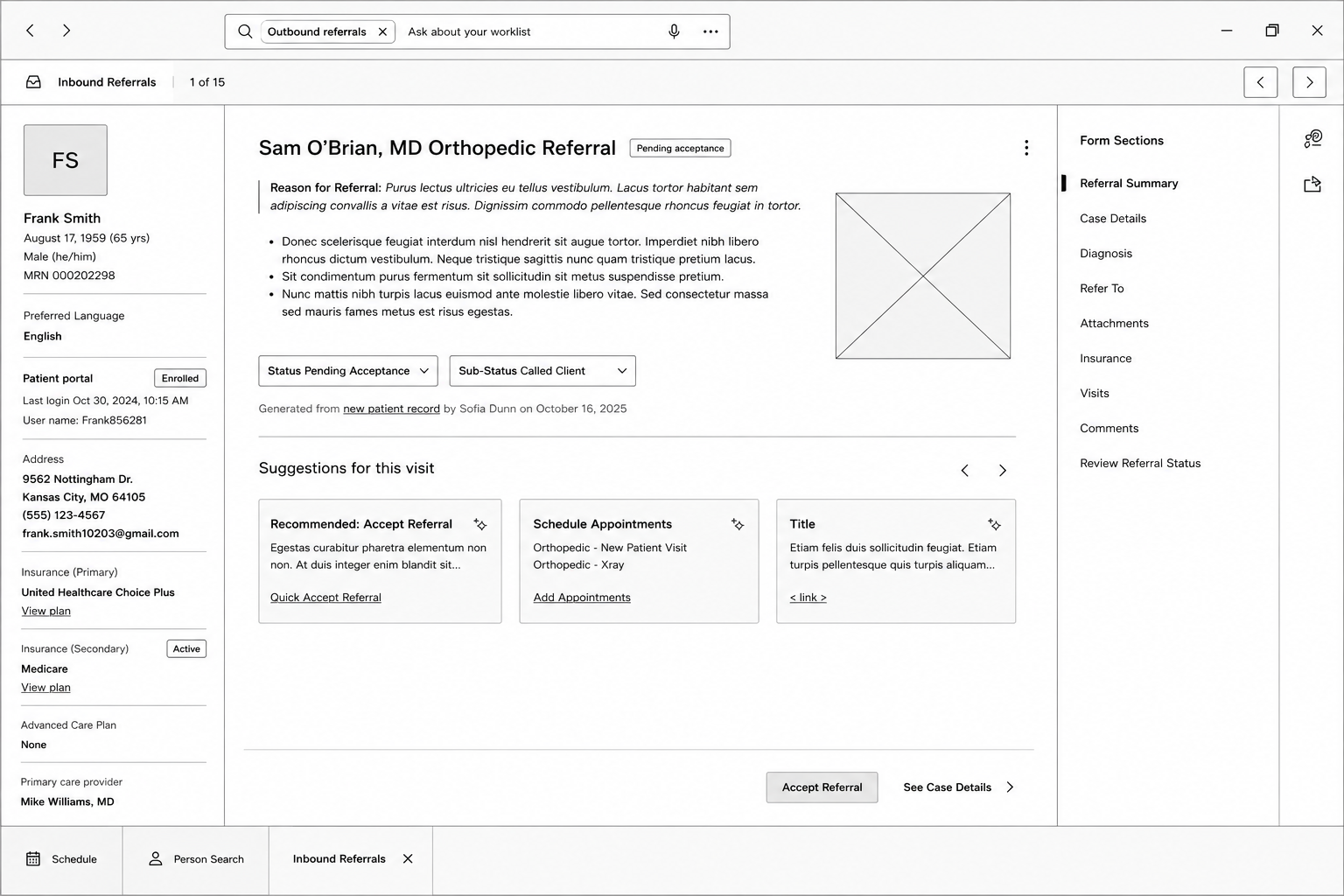
Referral wireframe
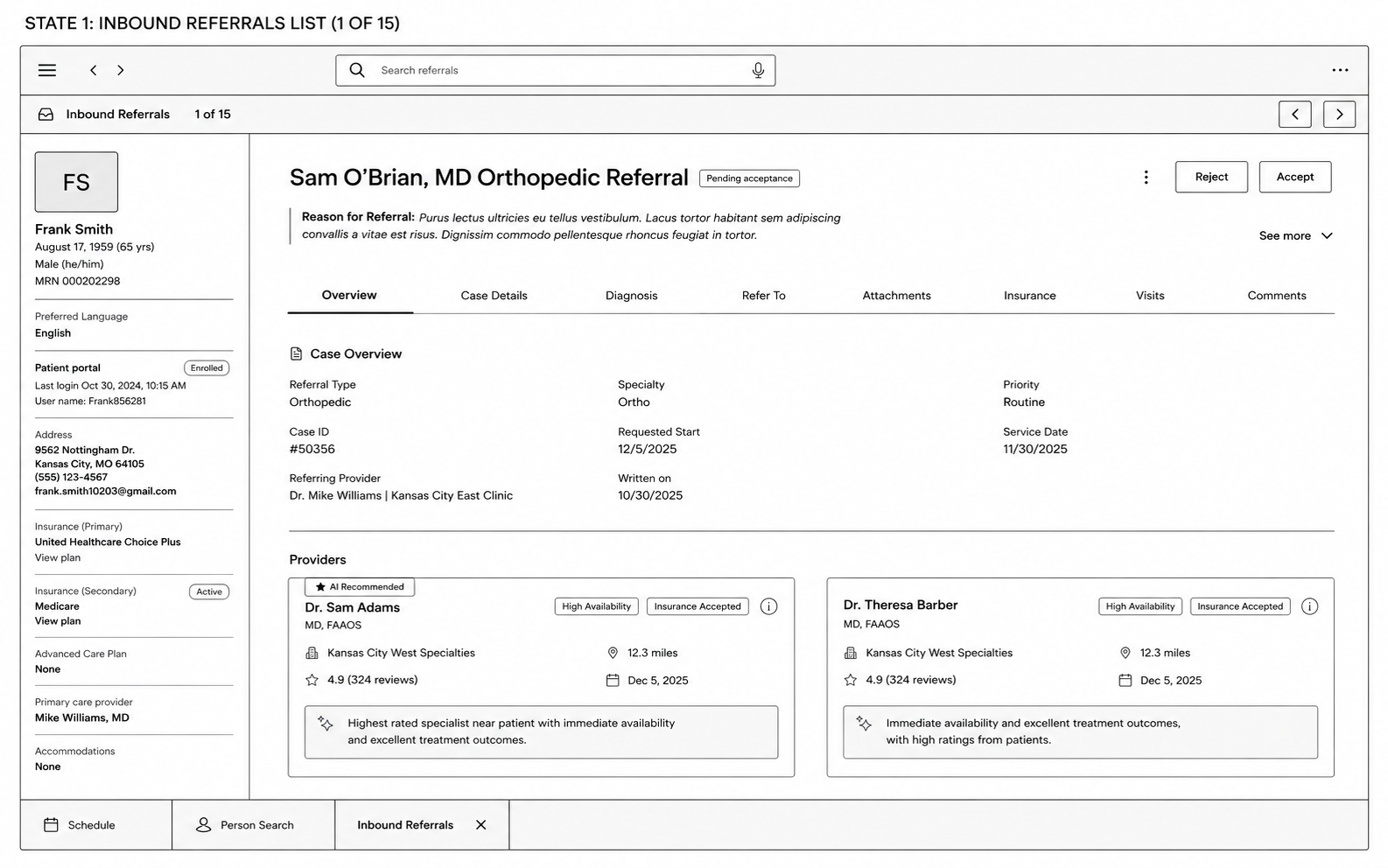
Referral wireframe
The Outcome
As a scheduler, you want to know the lay of the land before you hop right into scheduling. This workflow allows for the user to quickly review the ask: a referral for Imaging and PT; with the AI summary, then jump straight into the scheduling workflow.
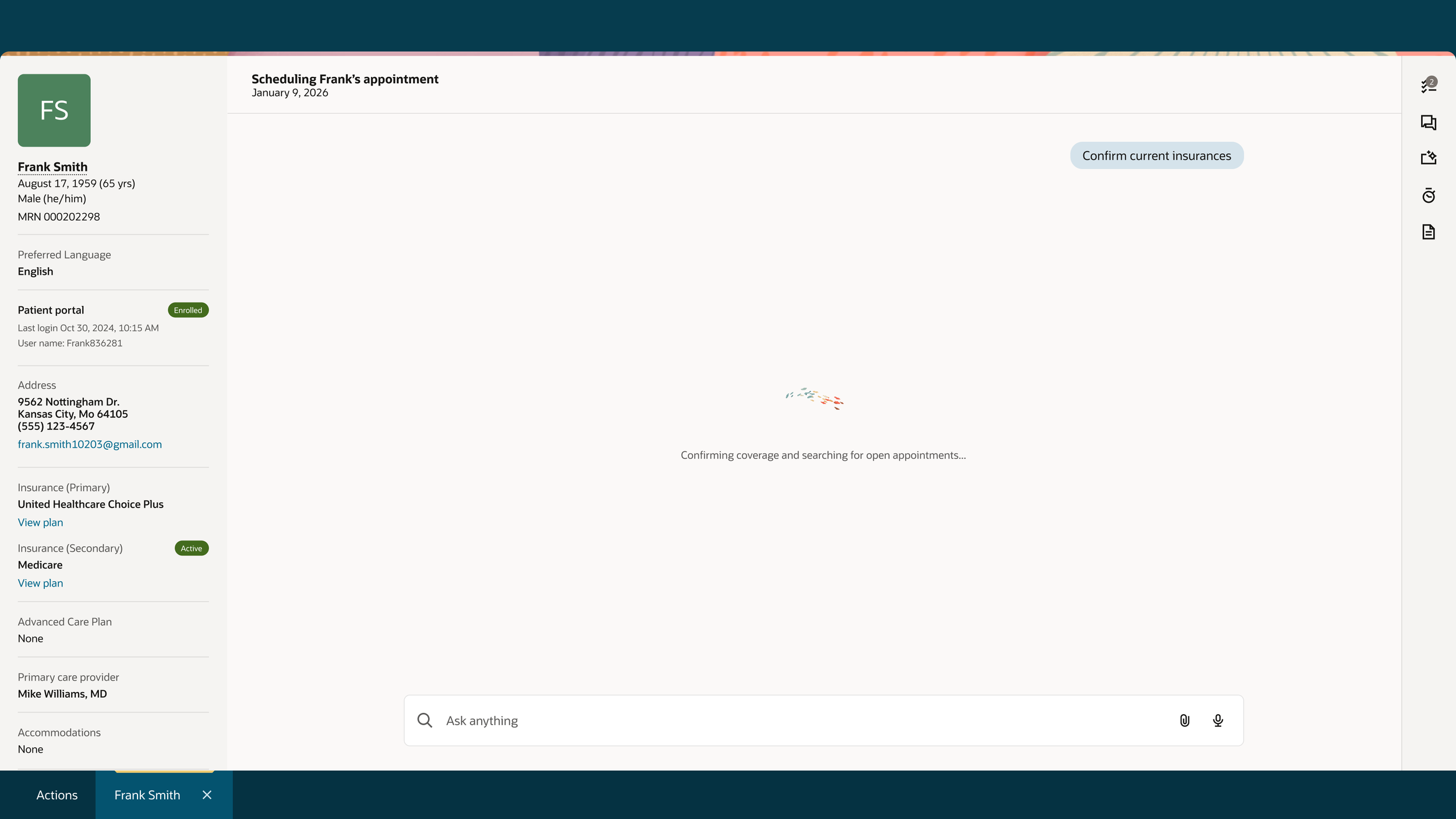
This flow allows for the user to quickly verify patient information, offer first available appointment options, AI recommending additional appointments to schedule while the patient is on the phone, run insurance checks in the background, and finally, give the user and the patient a summary of the call. The summary provides all appointment information, day of information, and any before-care instructions that the Patient will need to follow.
In healthcare, time is the most important factor. By streamlining the scheduler’s workflow, it simplifies and expedites the experience for both the patient and the scheduler.
Watch a click-through prototype
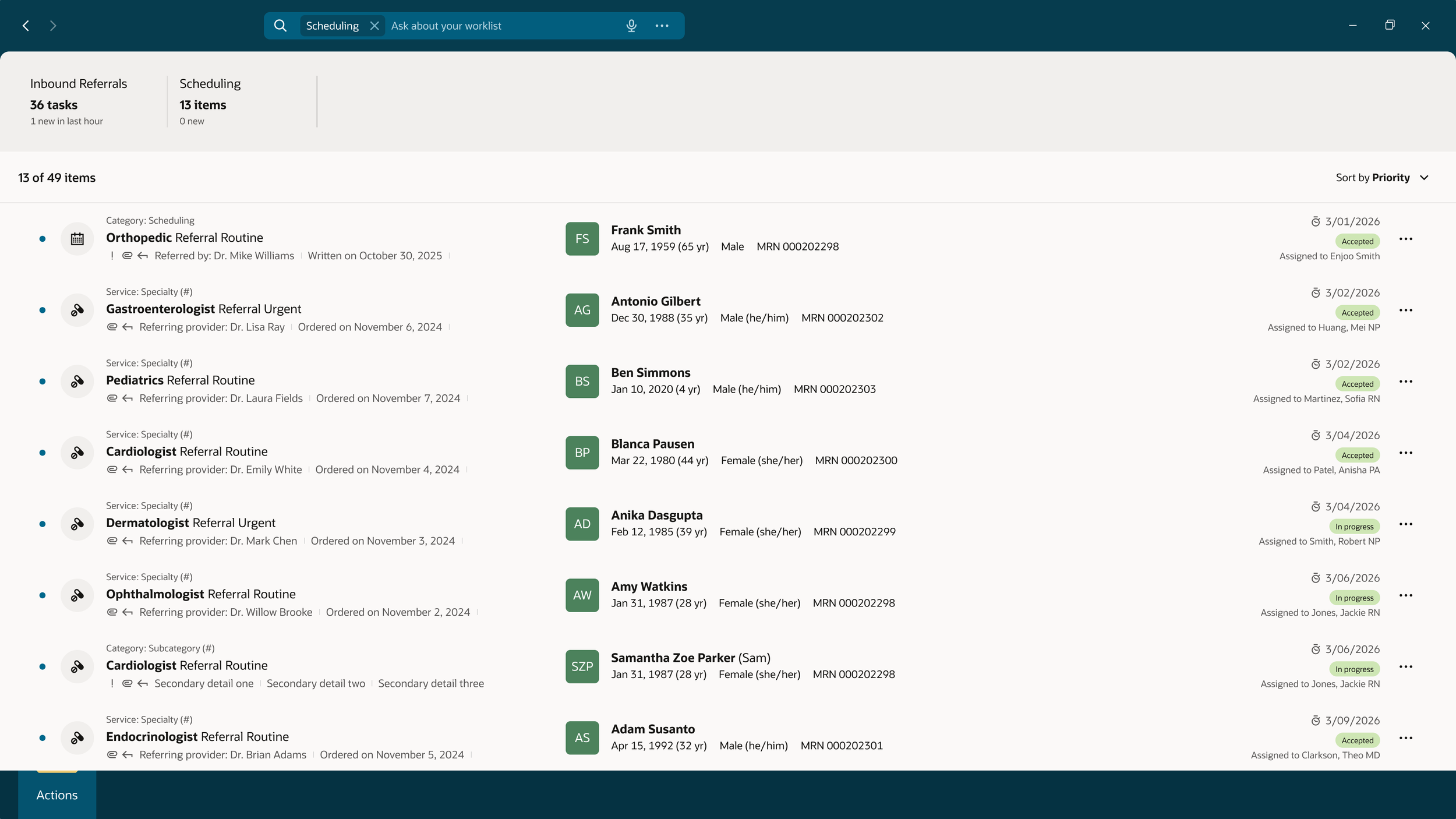
Scheduler task list
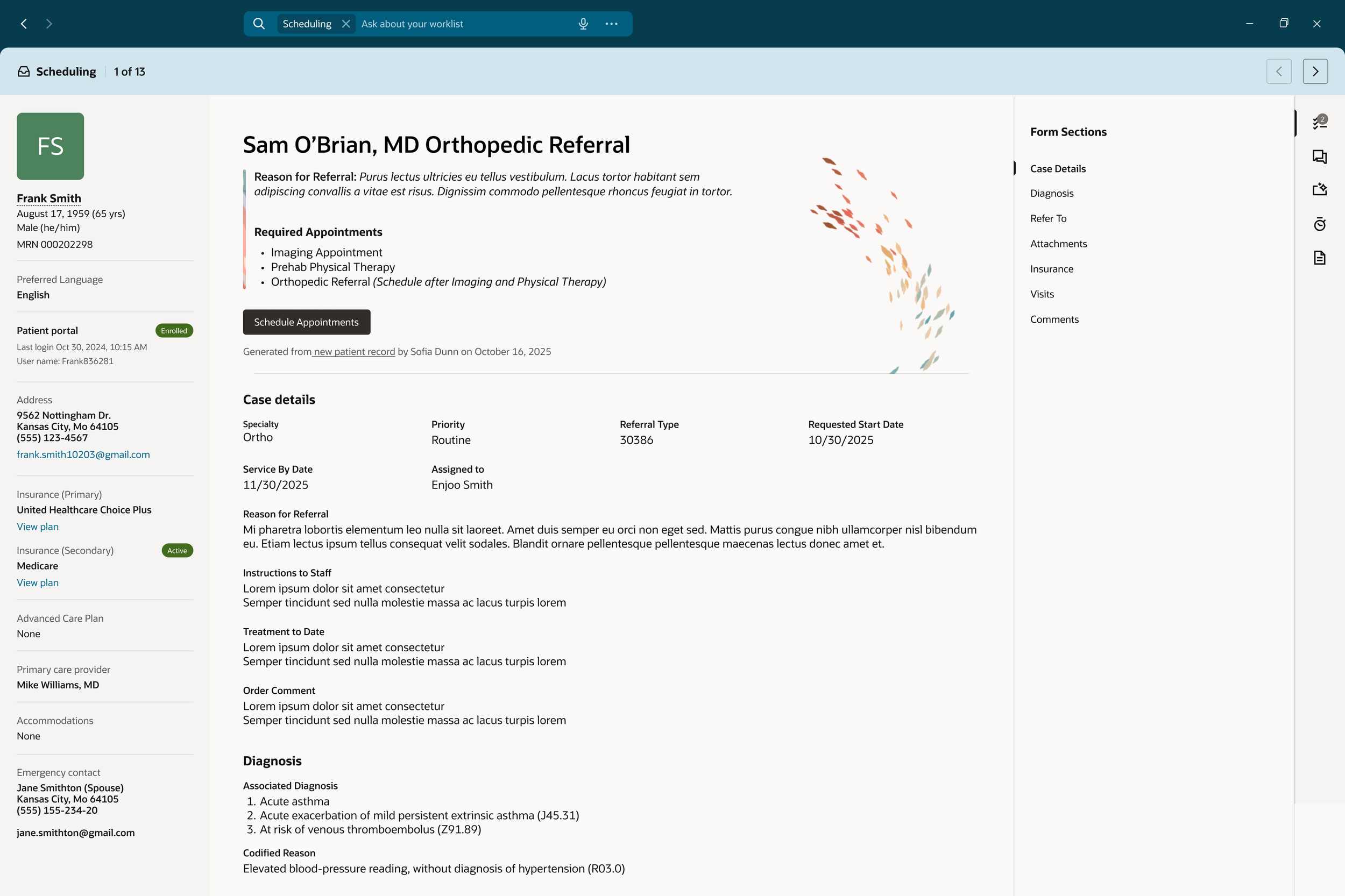
Review the referral - begin the Schedule Appointment flow
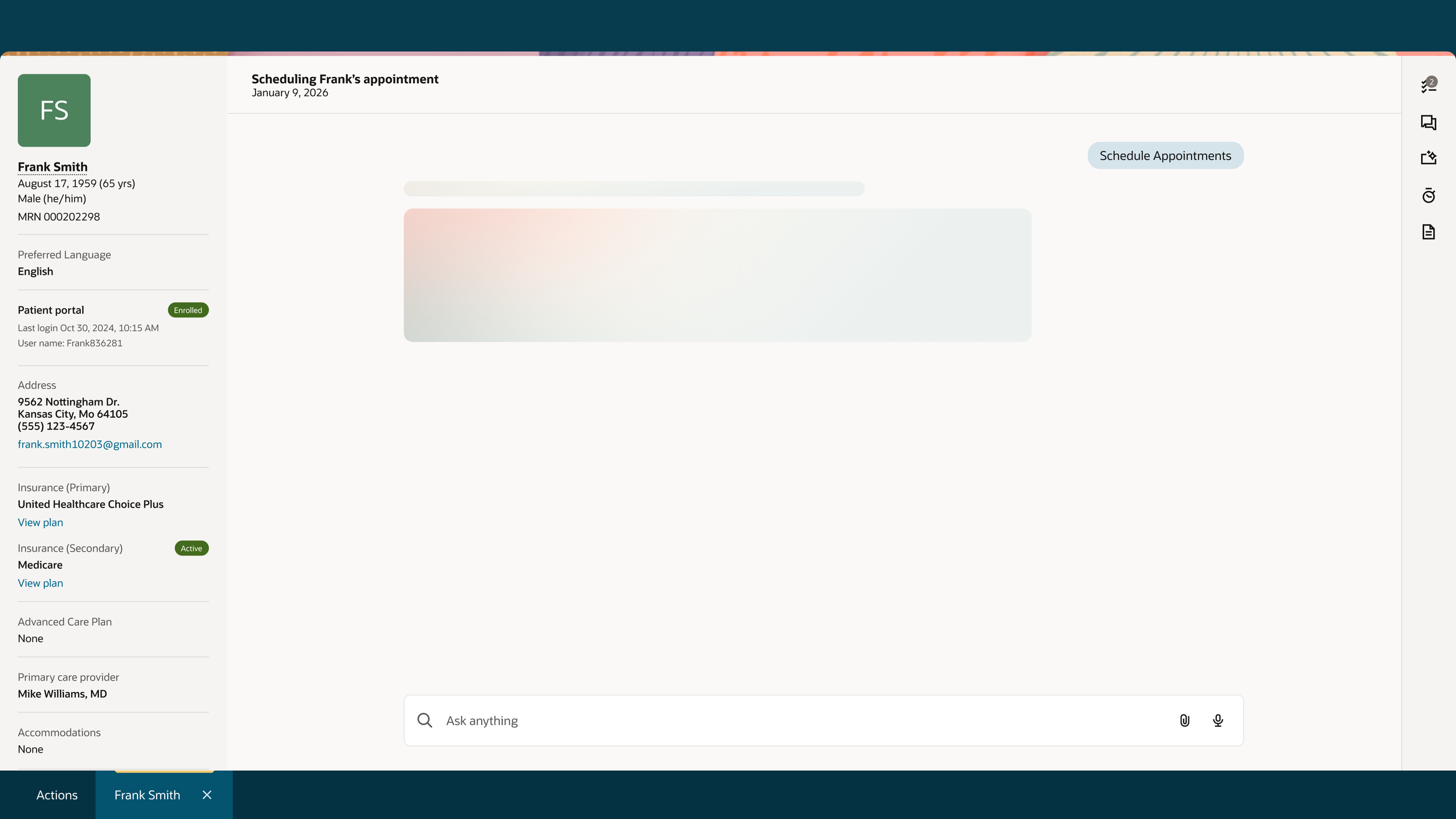
Schedule appointments
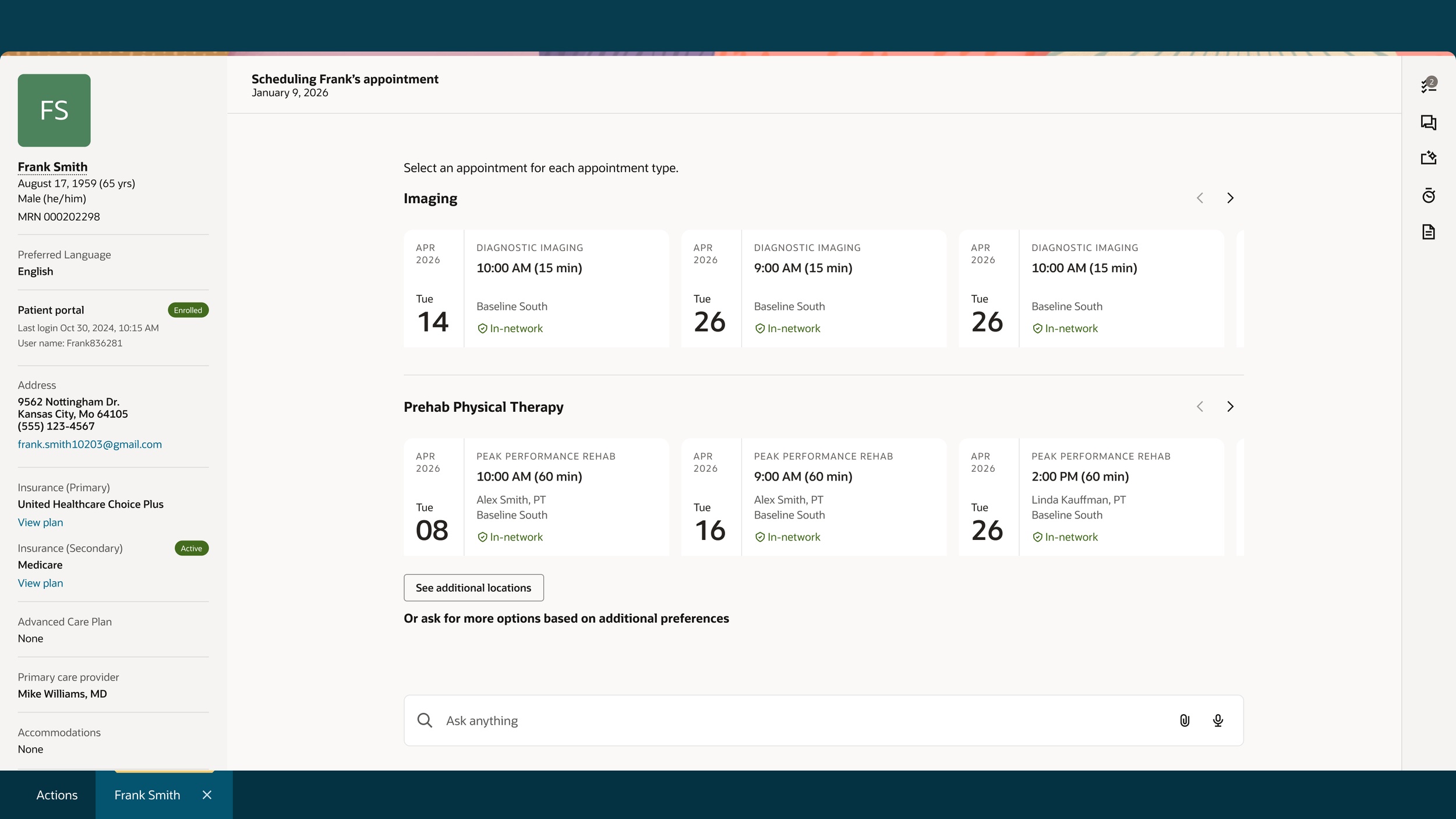
Choose appointments
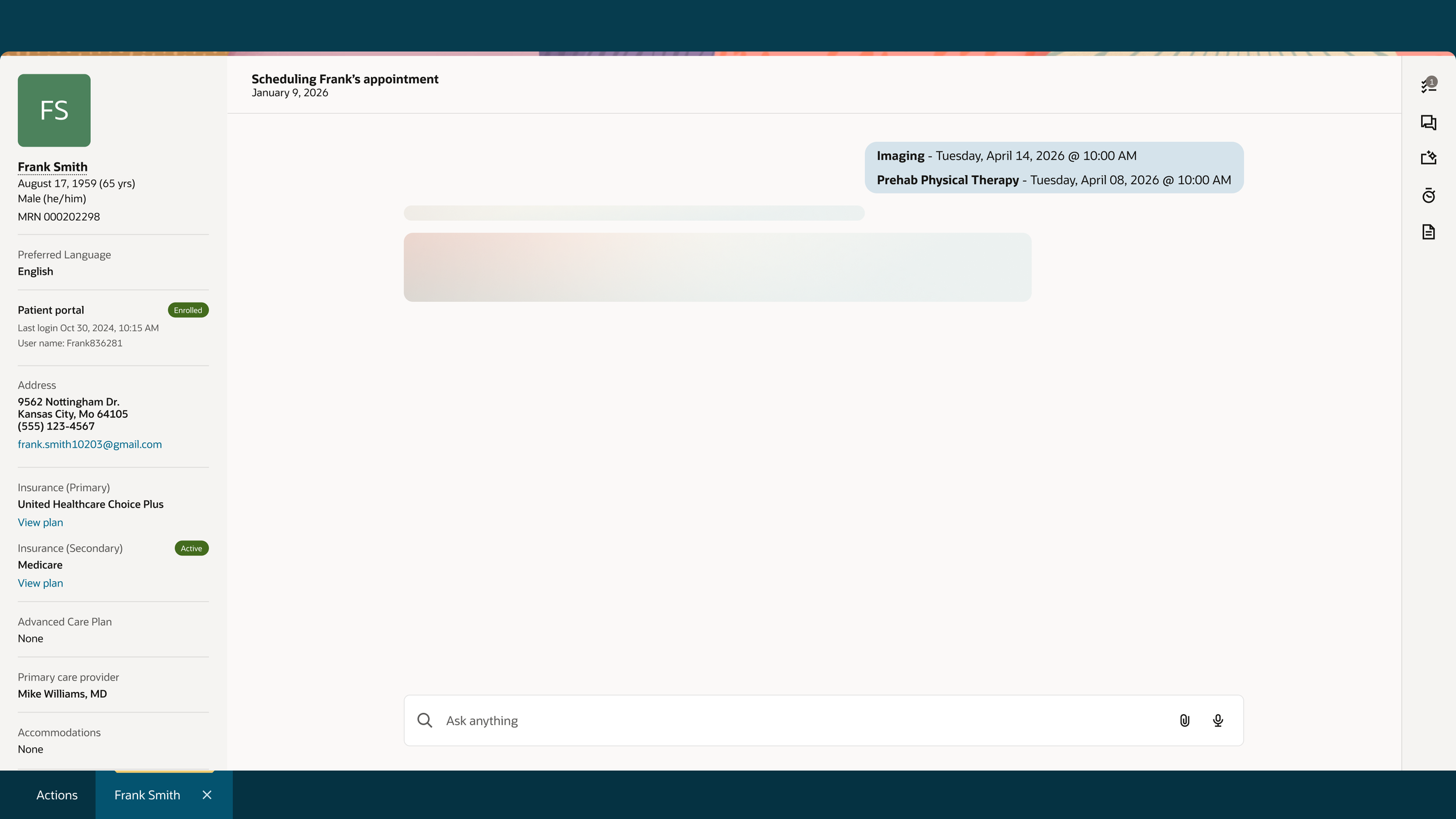
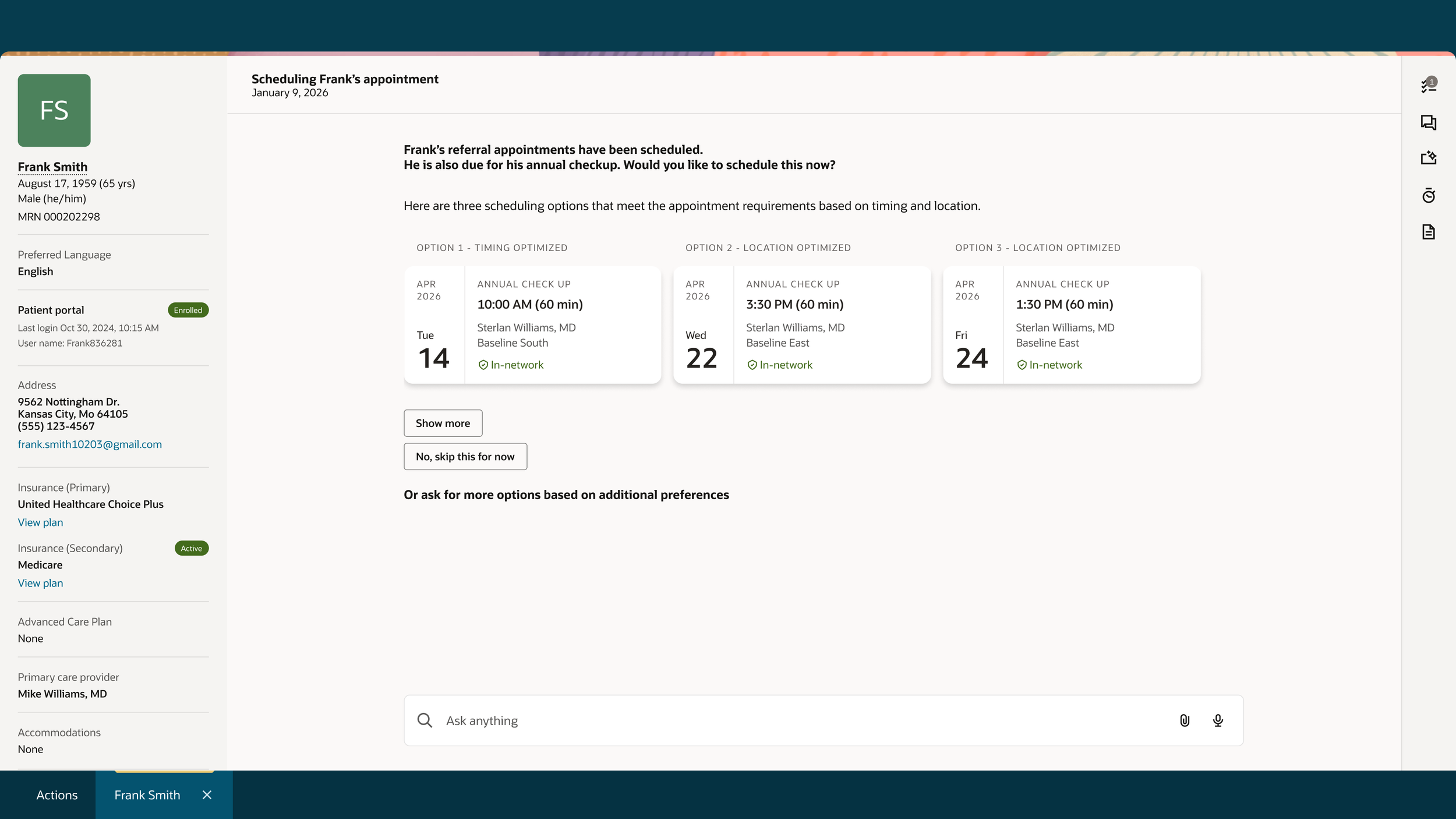
AI Recommendation - Choose appointment
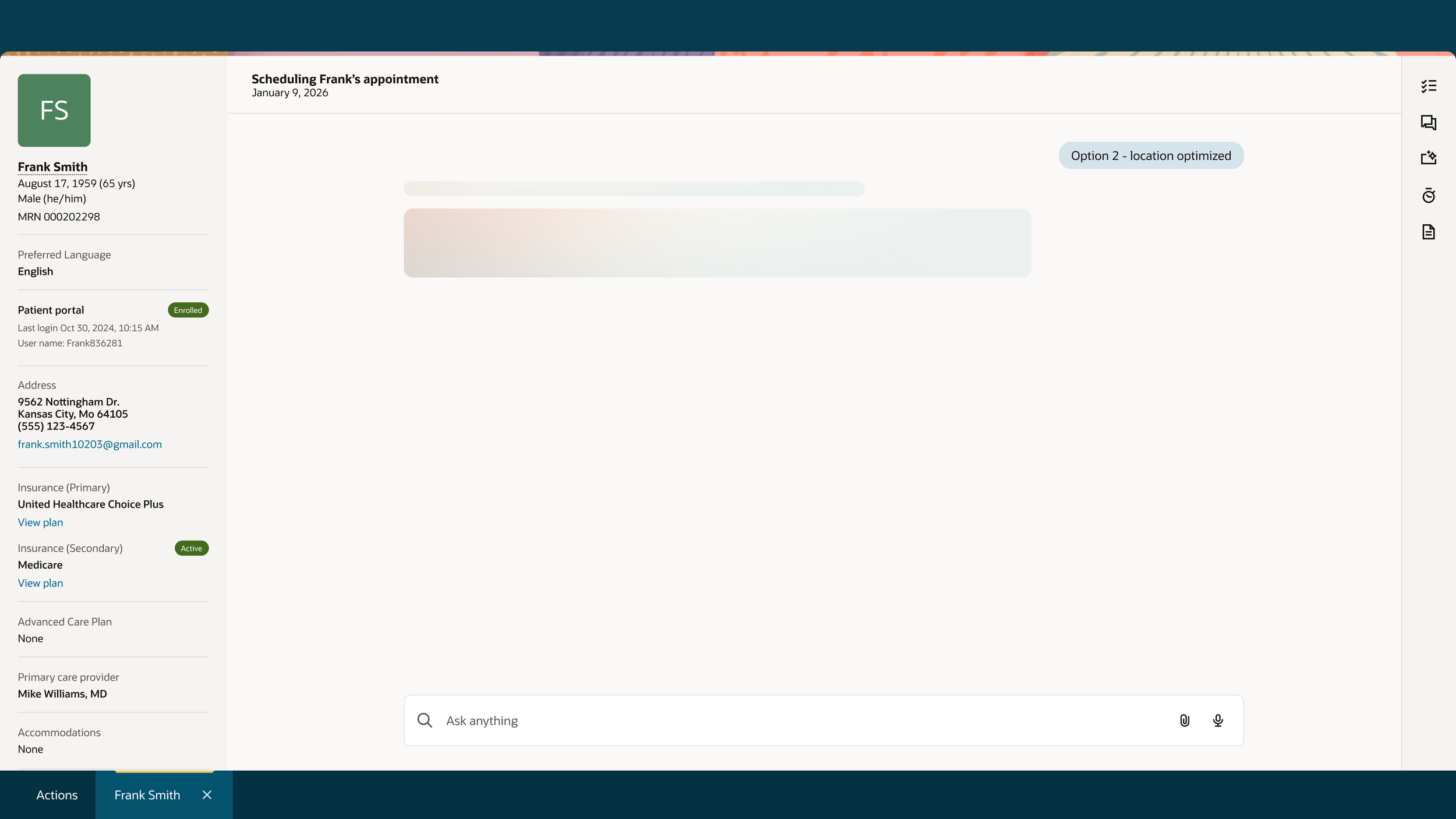
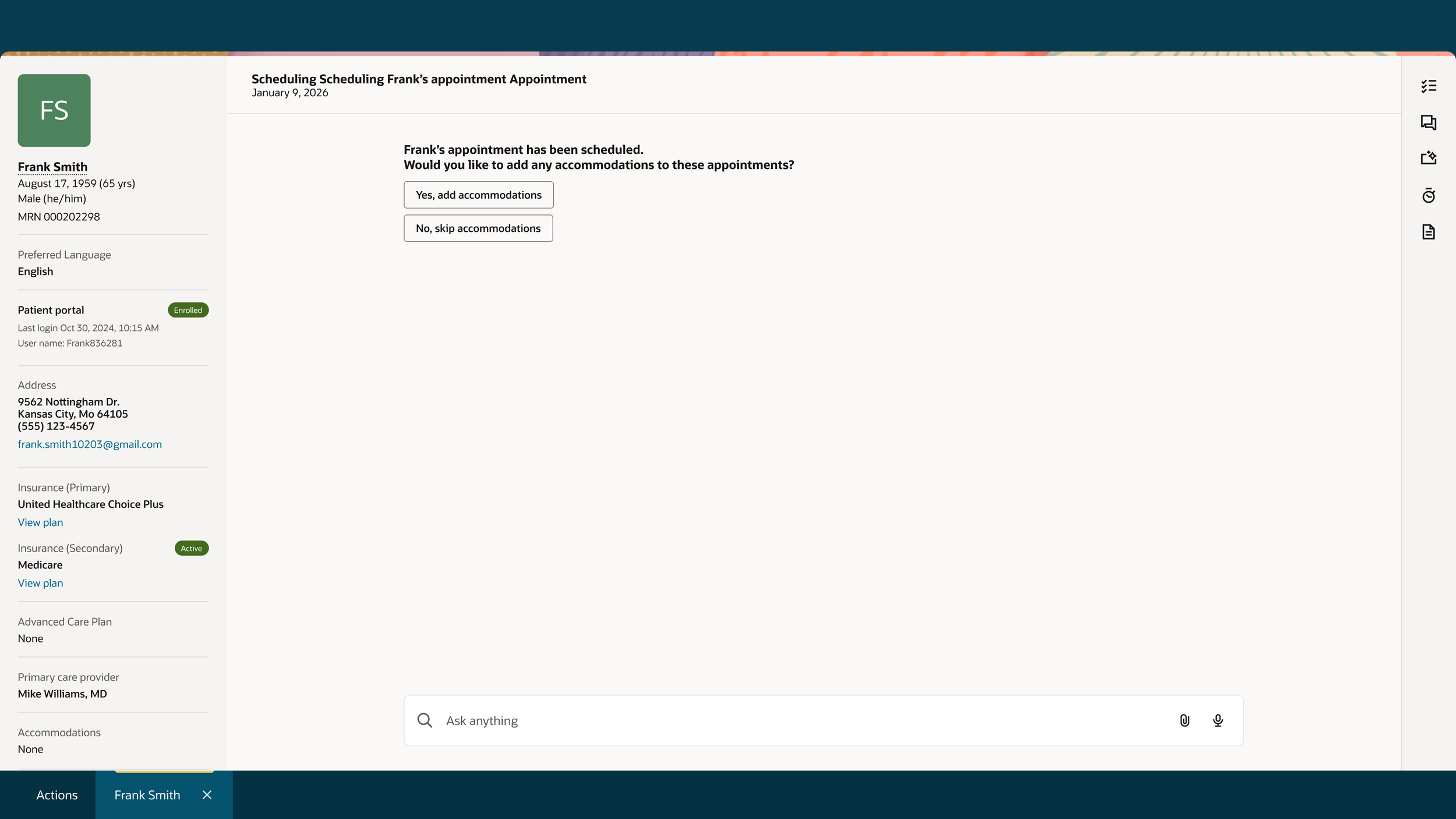
Add accommodations or skip
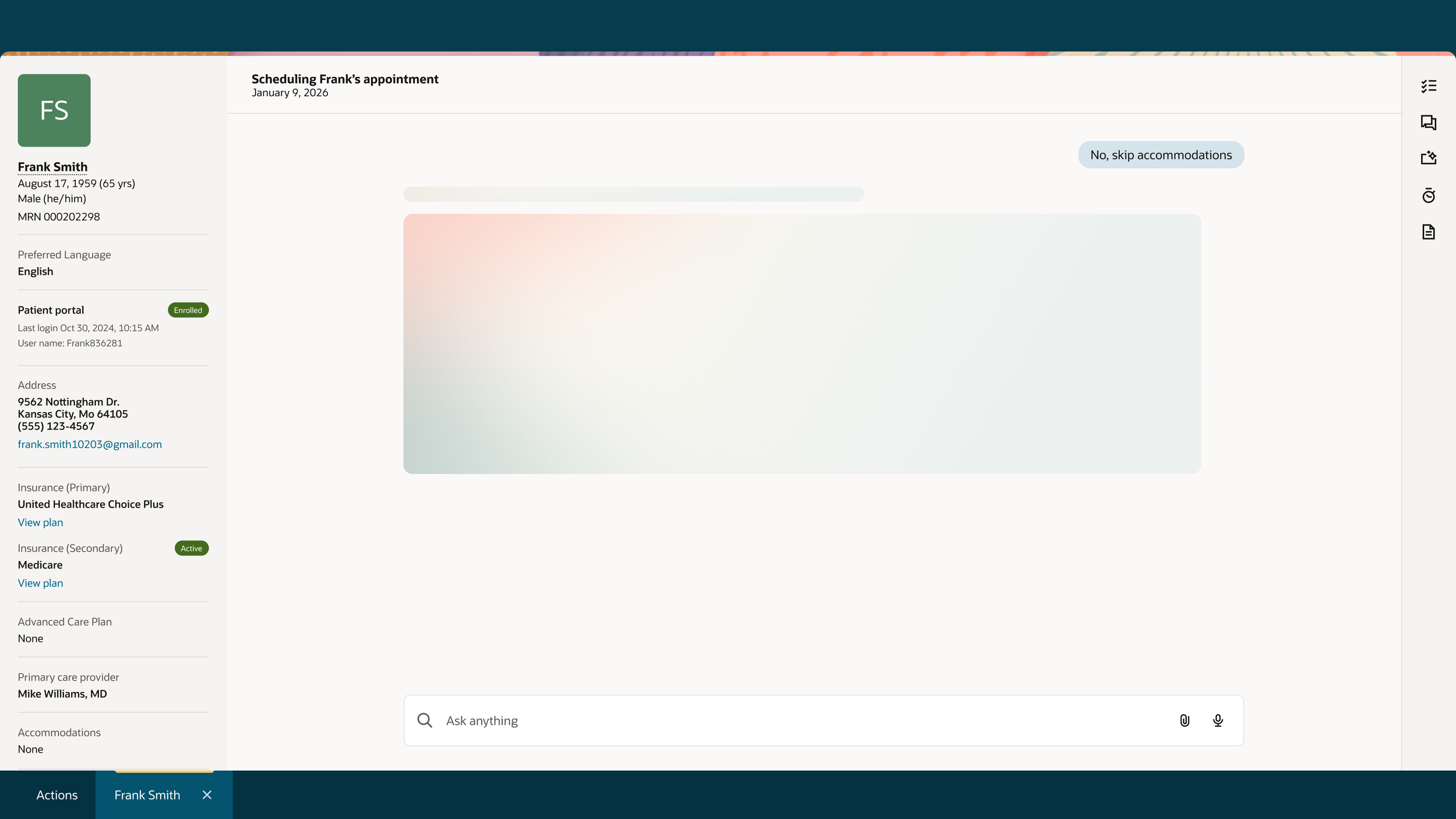
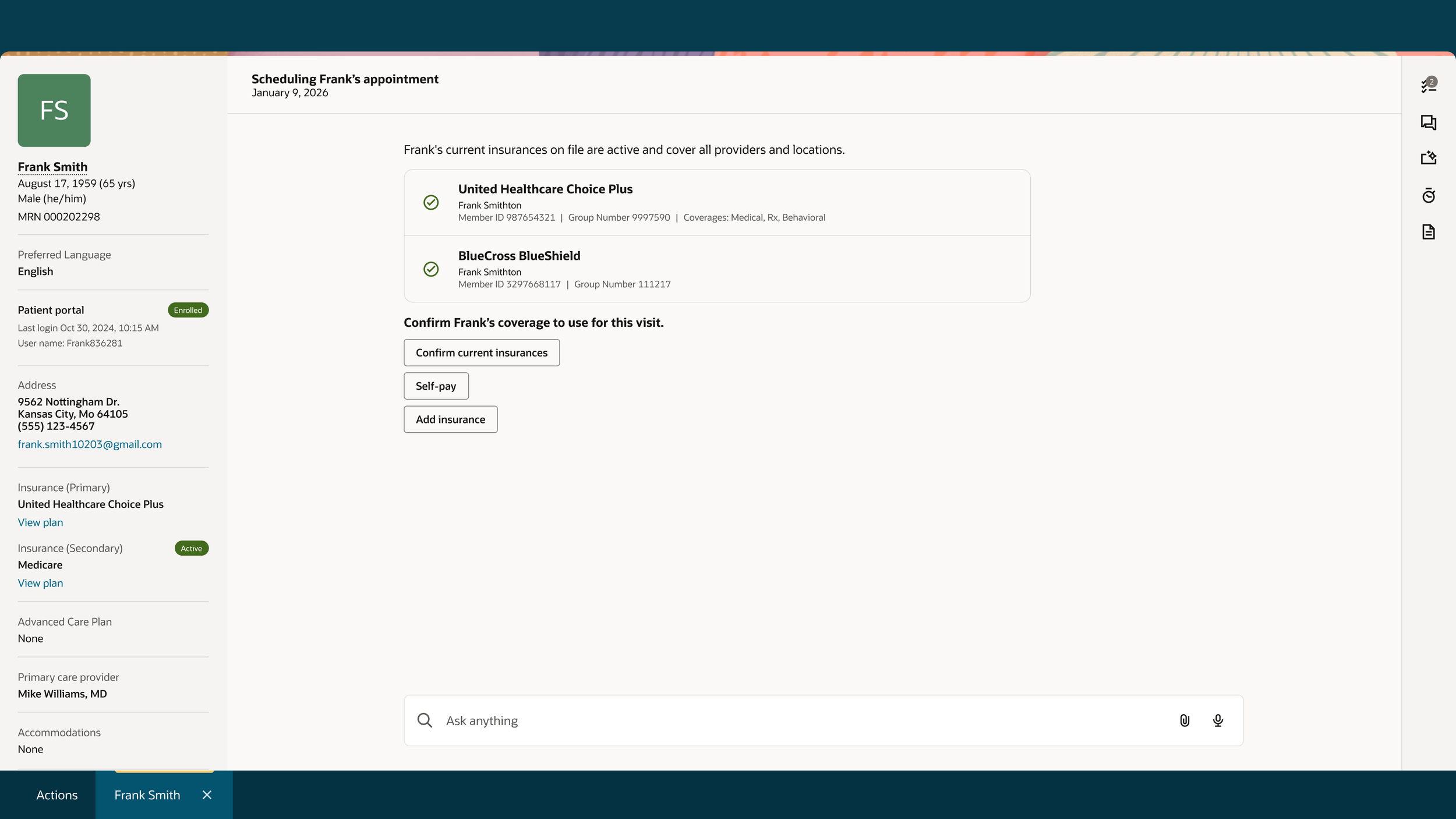
Confirm insurance
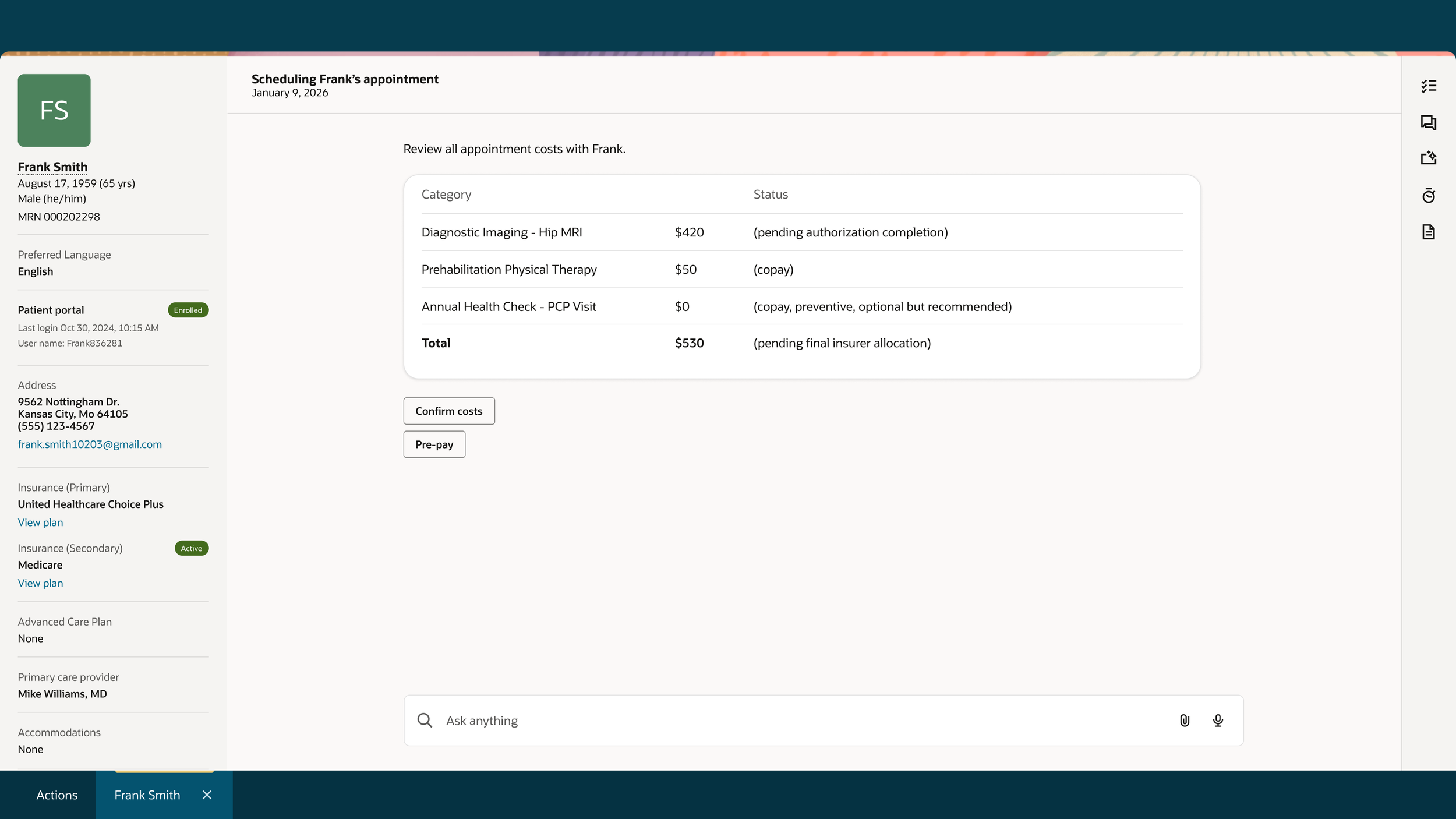
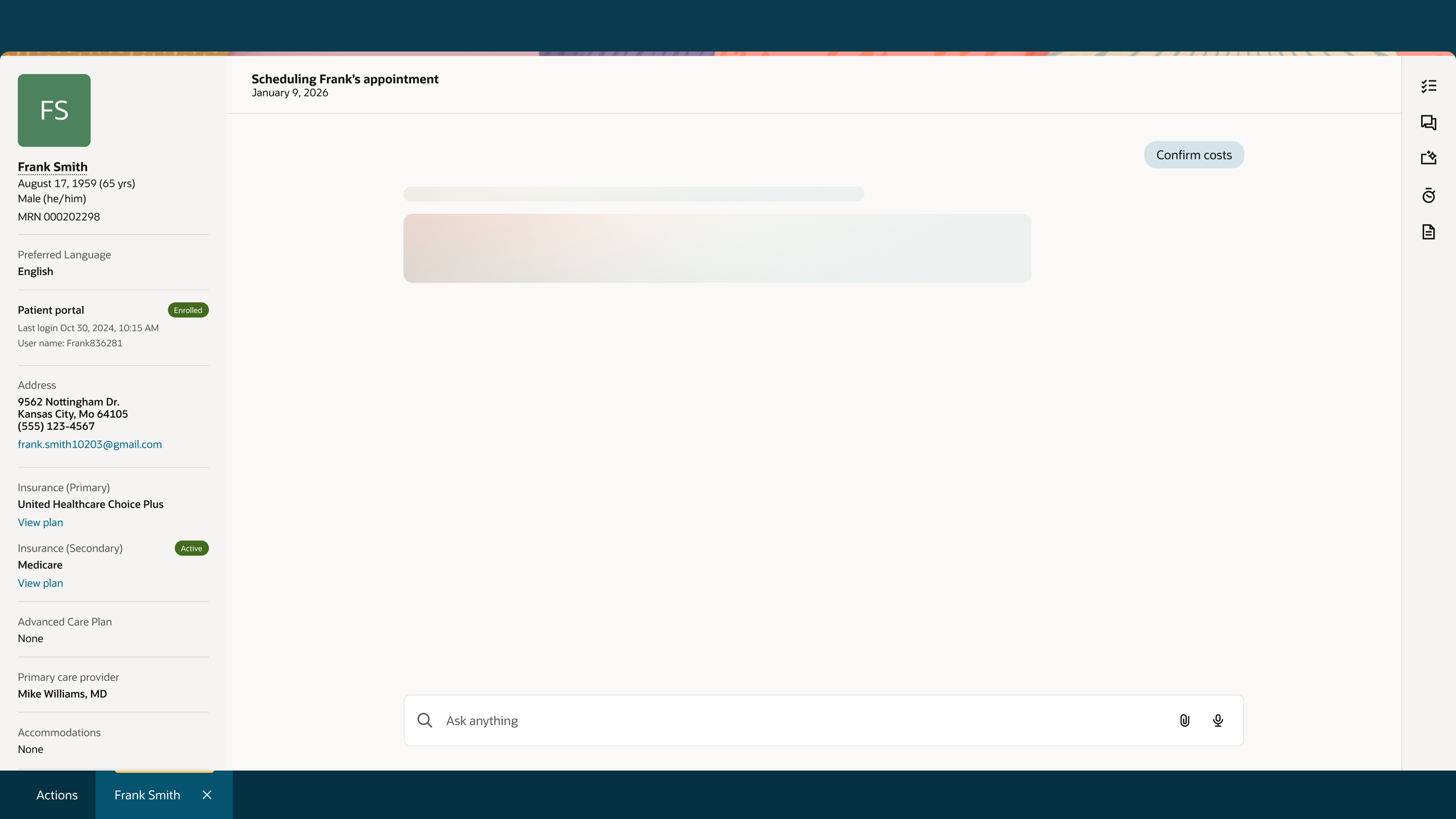
Confirm costs
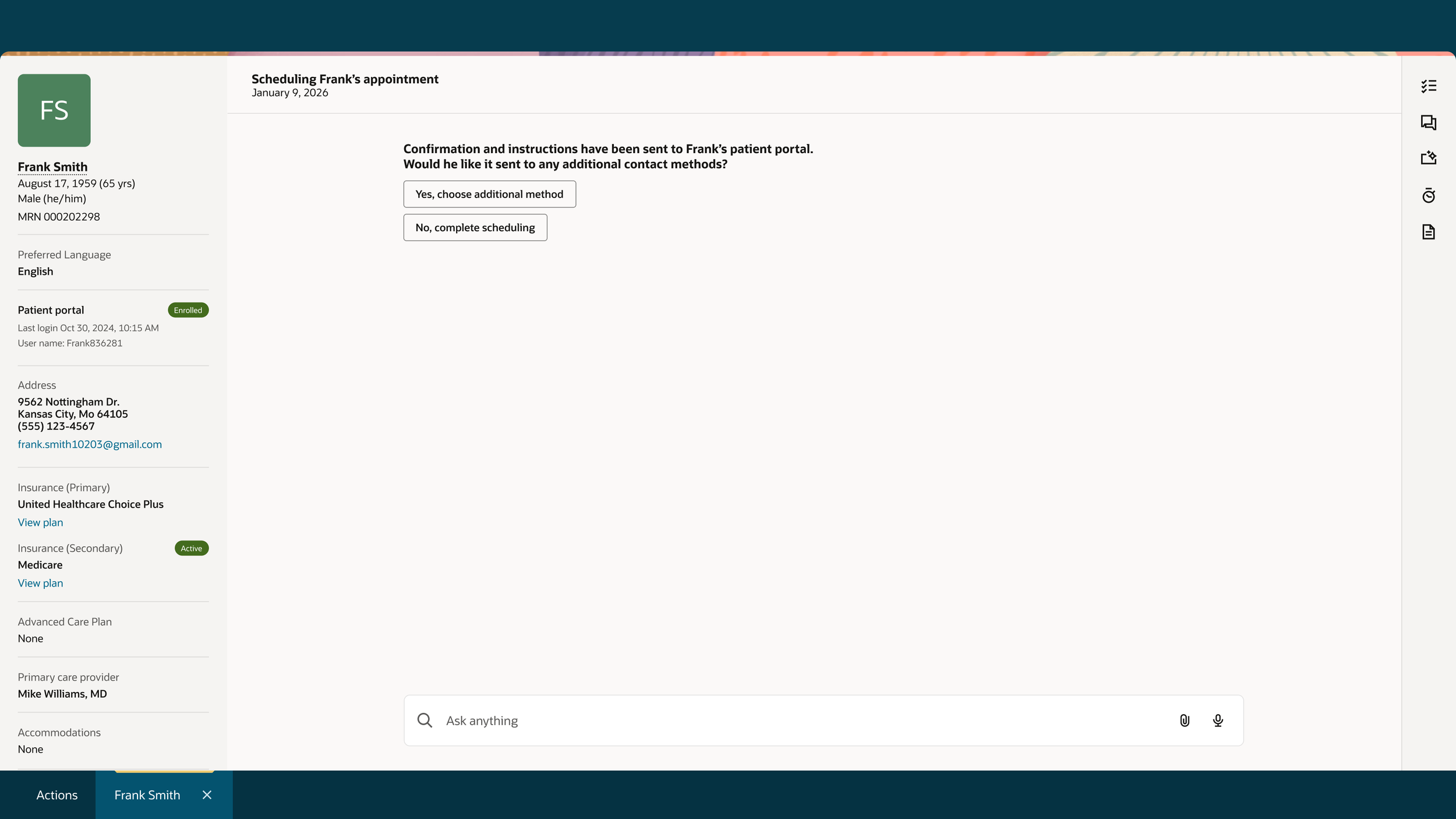
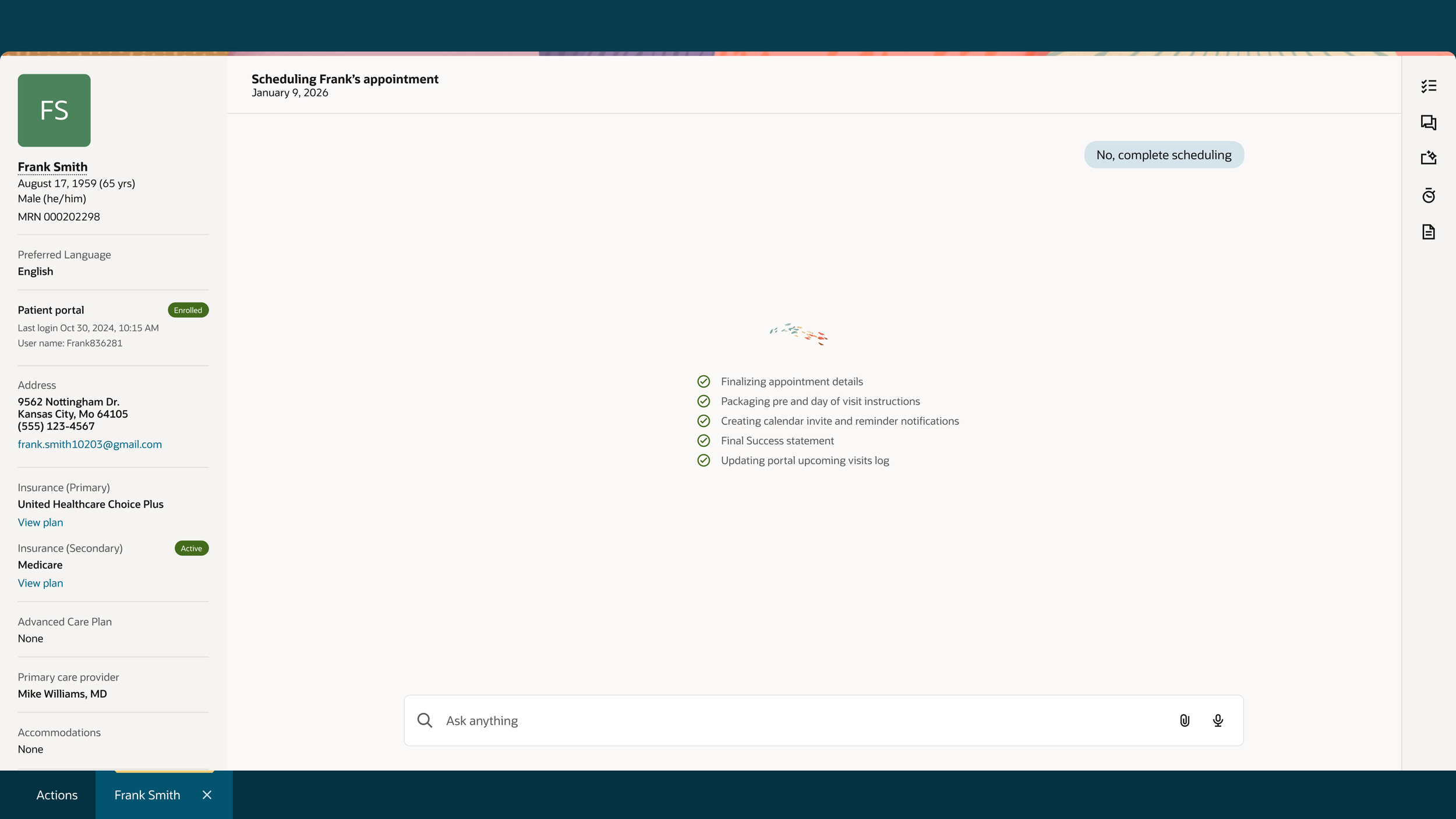
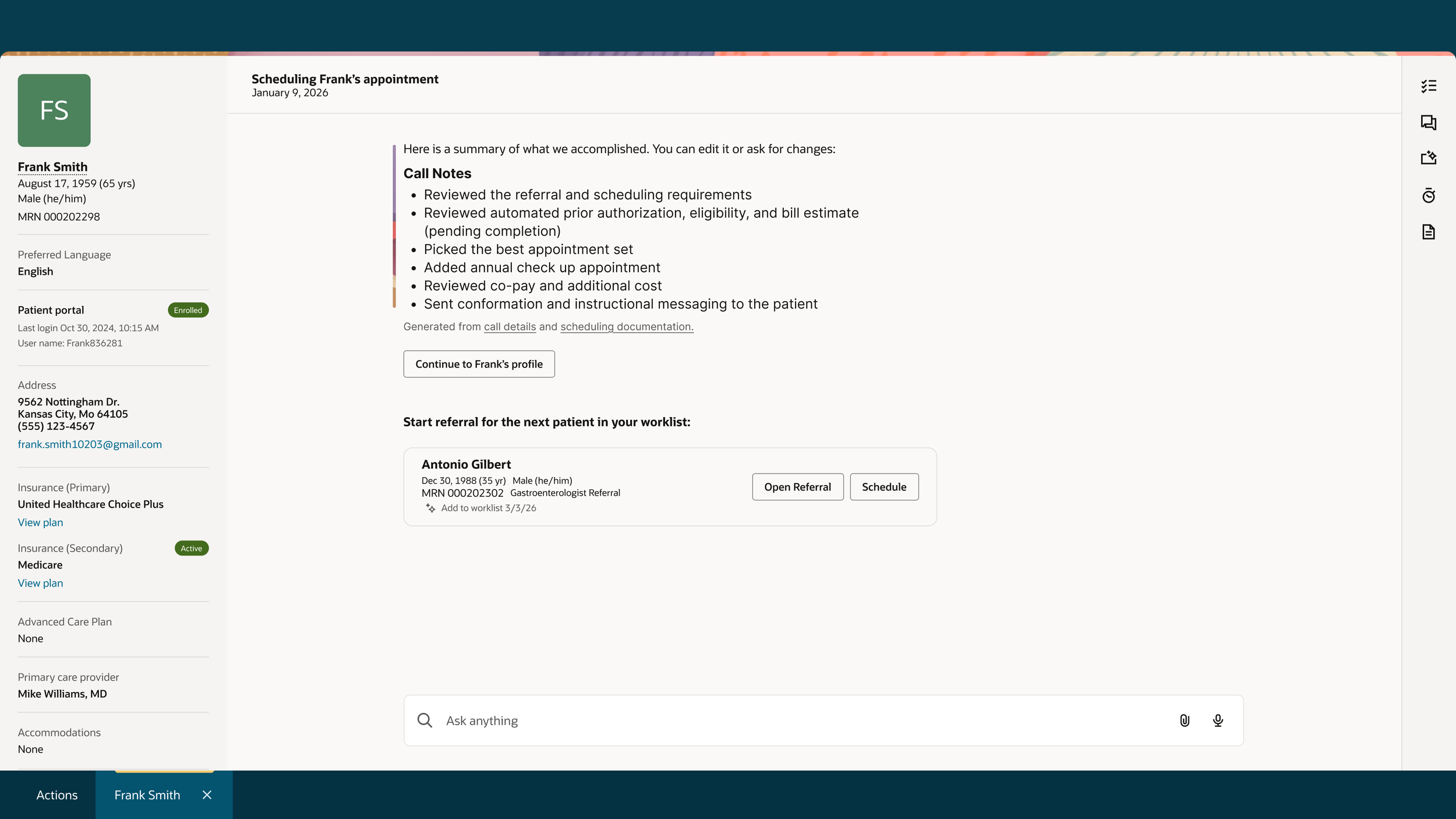
Review
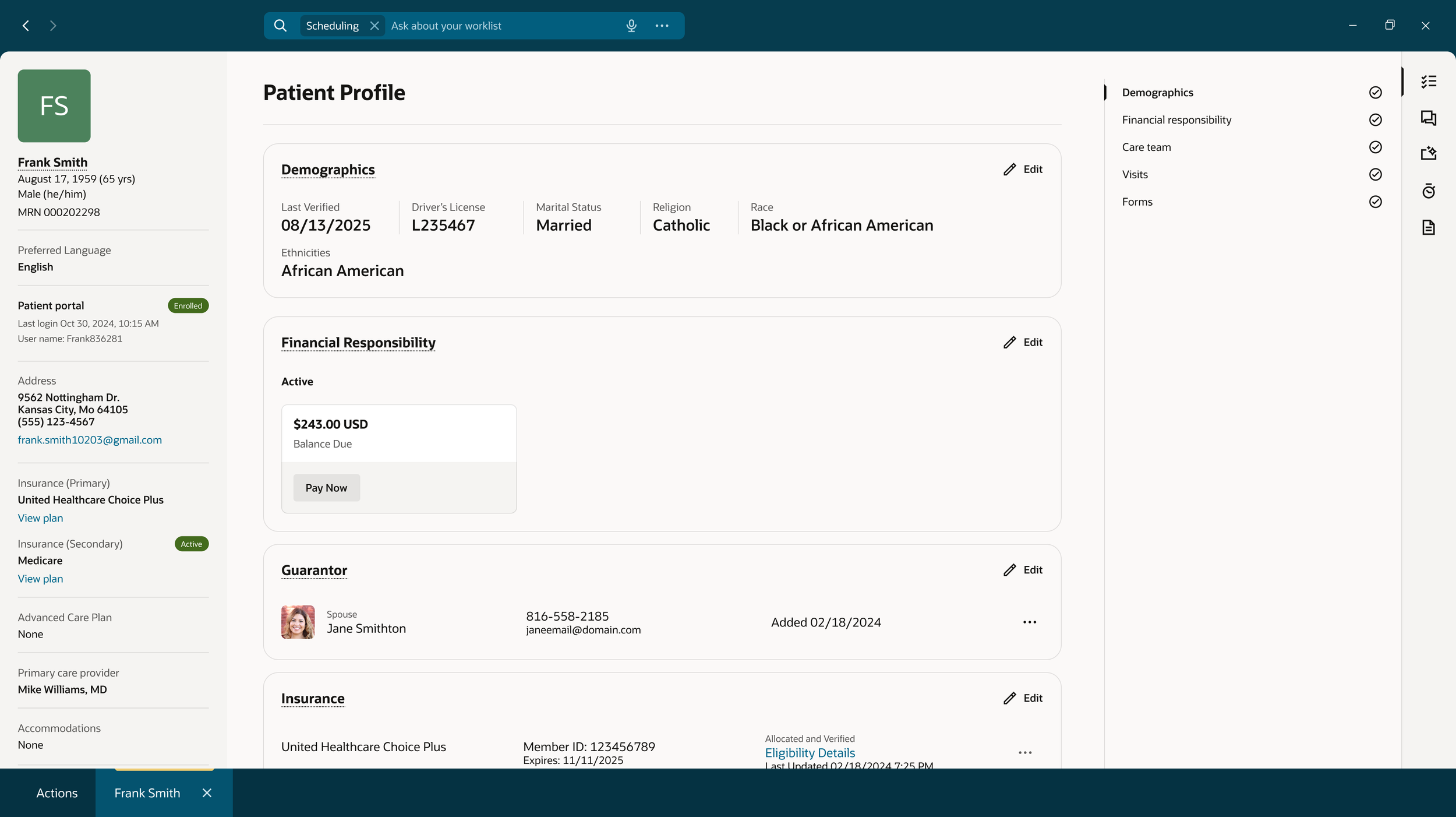
Continue to Patient Profile